| Widget Connector | ||||
|---|---|---|---|---|
|
- ในแถบผู้ดูแลระบบ คลิกที่ In the Admin Bar, click on All Apps.
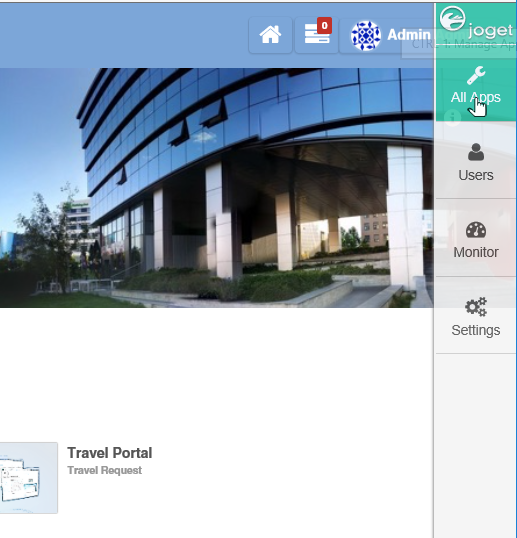
- ในหน้าต่าง In the All Apps คลิกที่ปุ่ม window, click on the Design New App ที่ด้านบน button along the top.
Key in the details of the new app.ป้อนรายละเอียดของแอปใหม่
Name Description App ID คำหรือรหัสสั้นๆและไม่ซ้ำกันในแต่ละแอป (ไม่มีช่องว่าง) เช่น A short and unique ID for each app (no spaces) e.g. travelRequest App Name ชื่อที่สื่อความหมาย เช่น A descriptive name e.g. Travel Request Info หรือเลือกสร้างแอปพลิเคชันใหม่โดยการคัดลอกแอปที่มีอยู่
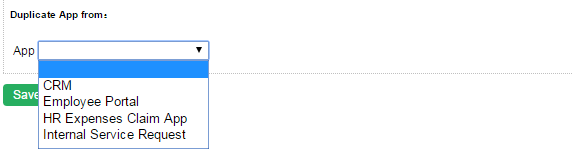
Optionally, one may also create a new App by cloning an existing App.
- Click on Save. The app will be created and you will be brought to the App design page.คลิกที่ save แอปพลิเคชันจะถูกสร้างขึ้นและจะไปยังหน้าการออกแบบแอป