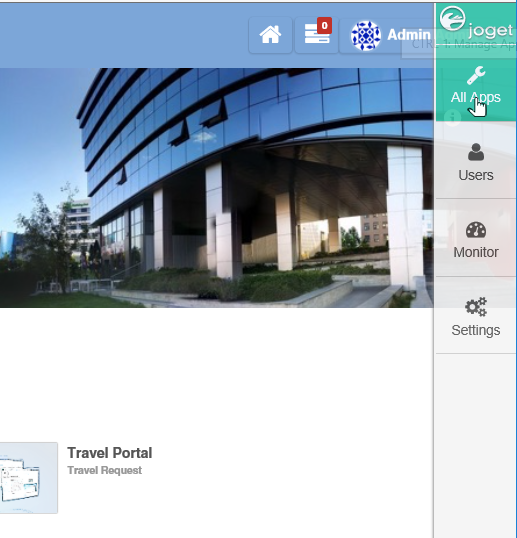
- In the Admin Bar, click on All Apps.
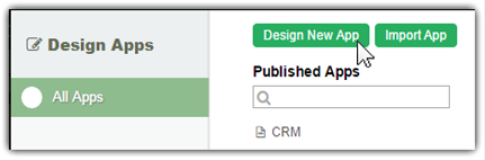
- In the All Apps window, click on the Design New App button along the top.
Key in the details of the new app.
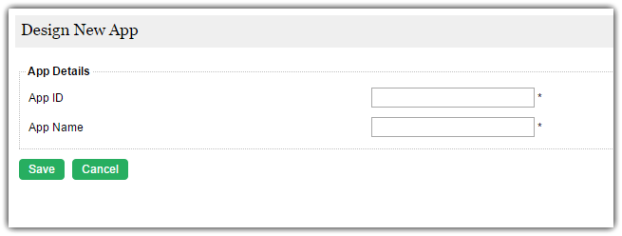
App ID: A short and unique ID for each app (no spaces), e.g. travelRequest
App Name: A descriptive name, e.g. Travel RequestOptionally, one may also create a new App by cloning an existing App.
- Click on Save. The app will be created and you will be brought to the App design page.