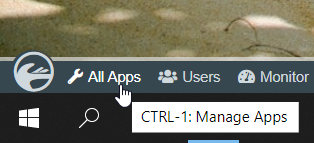
In the Admin Bar, click on All Apps.
| ในแถบผู้ดูแลระบบคลิกที่ All Apps. |
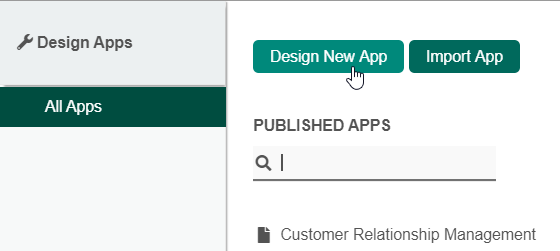
In the All Apps window, click on the Design New App button along the top.
ในหน้าต่างแอปทั้งหมดคลิกที่ปุ่ม Design New App ที่ด้านบน |
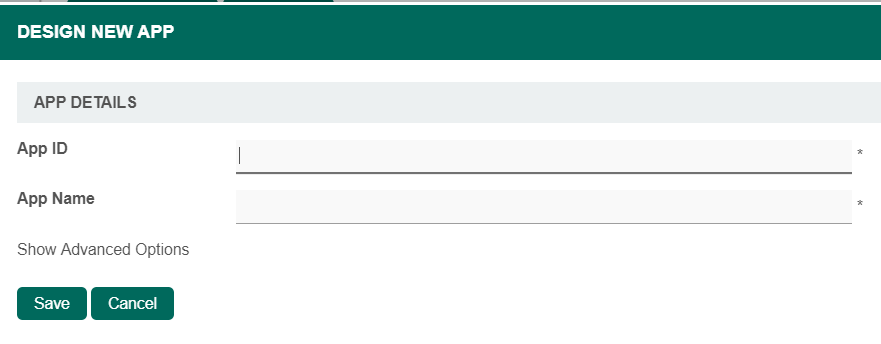
Key in the details of the new app.
ใส่รายละเอียดของแอปใหม่ |
| Name | Description | |
|---|---|---|
| App ID | A short and unique ID for each app (no spaces) e.g. travelRequest
| |
| App Name | A descriptive name e.g. Travel Request
|
Optionally, one may also create a new App by cloning an existing App.
|
Click on Save. The app will be created and you will be brought to the Design App page.
| คลิกที่ Save แอปจะถูกสร้างขึ้นและคุณจะถูกนำไปที่หน้า Design App |
