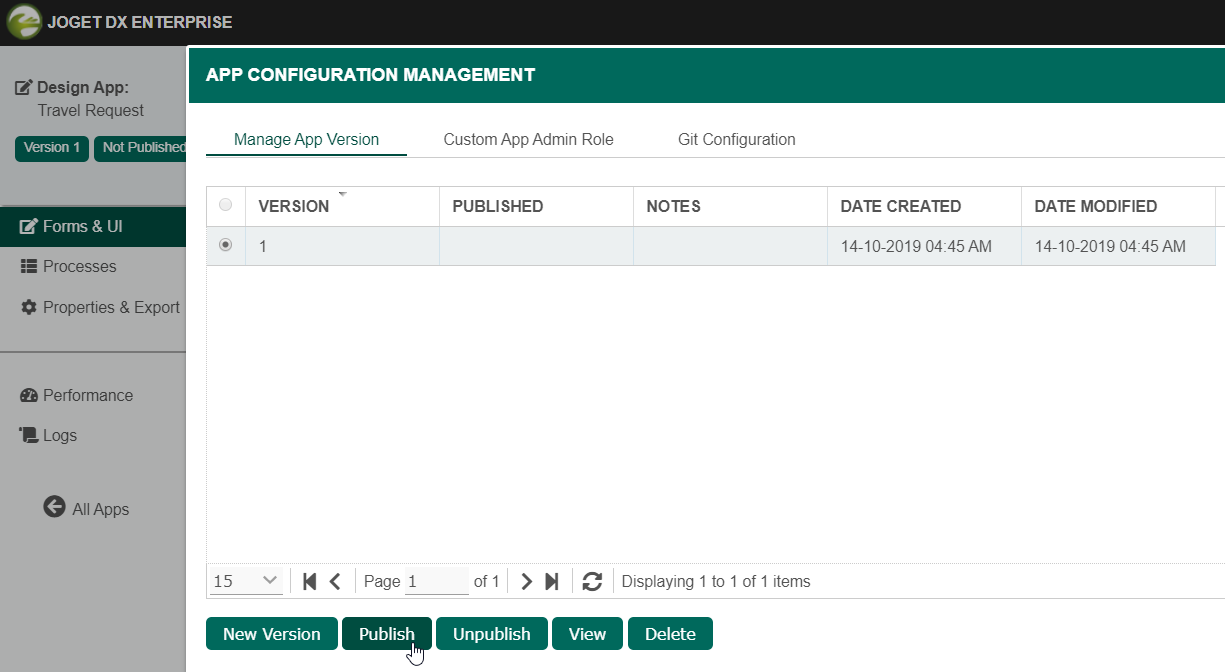
Make sure that you have first completed the previous tutorial - Designing a List
|
Make sure that you have first completed the previous tutorial - Designing a List
|
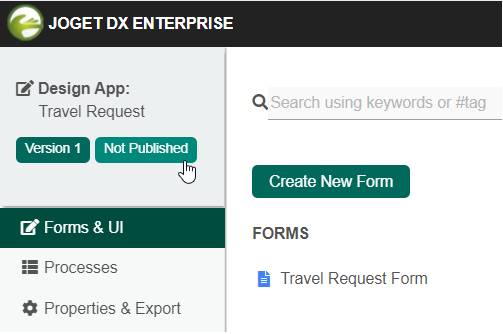
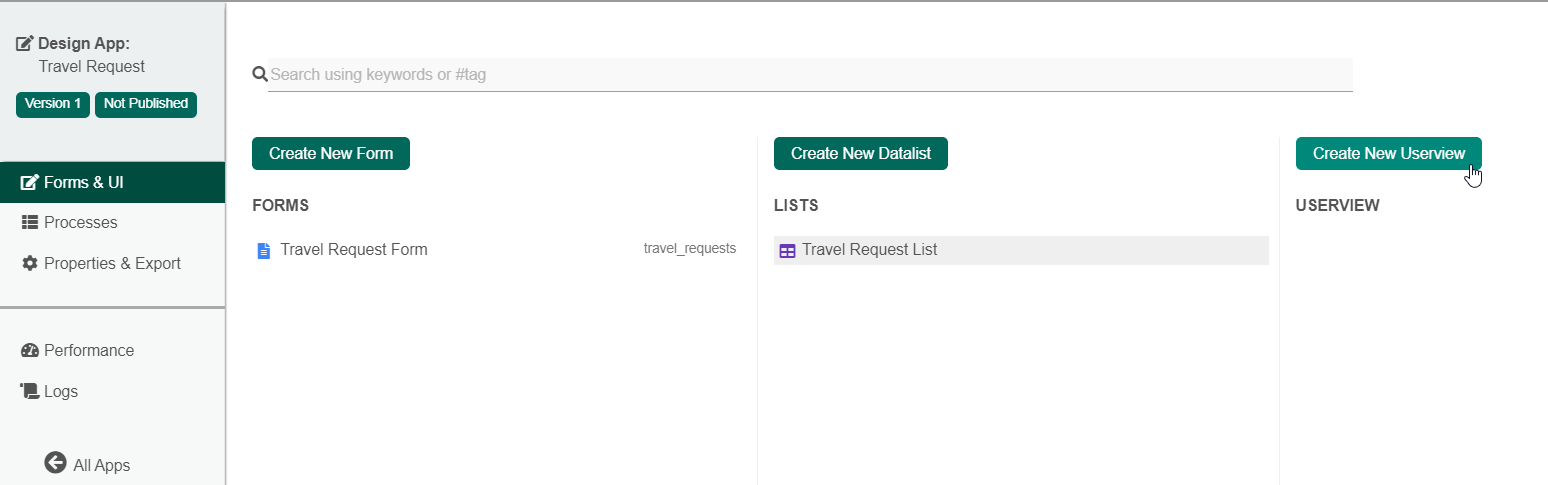
In the Design App page, click on the Create New Userview button along the top.
ในหน้า Design App คลิกที่ปุ่ม Create New Userview ที่ด้านบน |
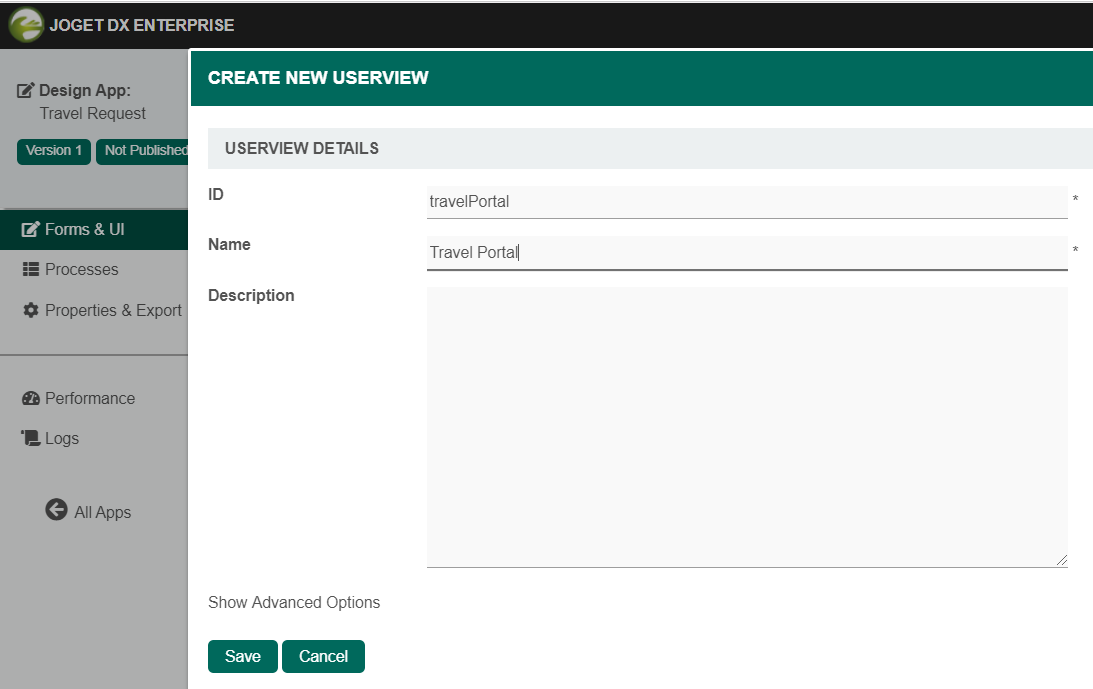
Key in the details of the new userview and click on the Save button.
ป้อนรายละเอียดของ userview ใหม่แล้วคลิกปุ่ม Save |
| Name | Description | |||||
|---|---|---|---|---|---|---|
| ID | Unique ID to represent this entity.
| |||||
| Name | Name to represent this entity.
| |||||
| Description | Entity description. (OPTIONAL)
| |||||
| Duplicate Userview from | With the above information filled up, one can choose to clone the design from existing Userview entity. |