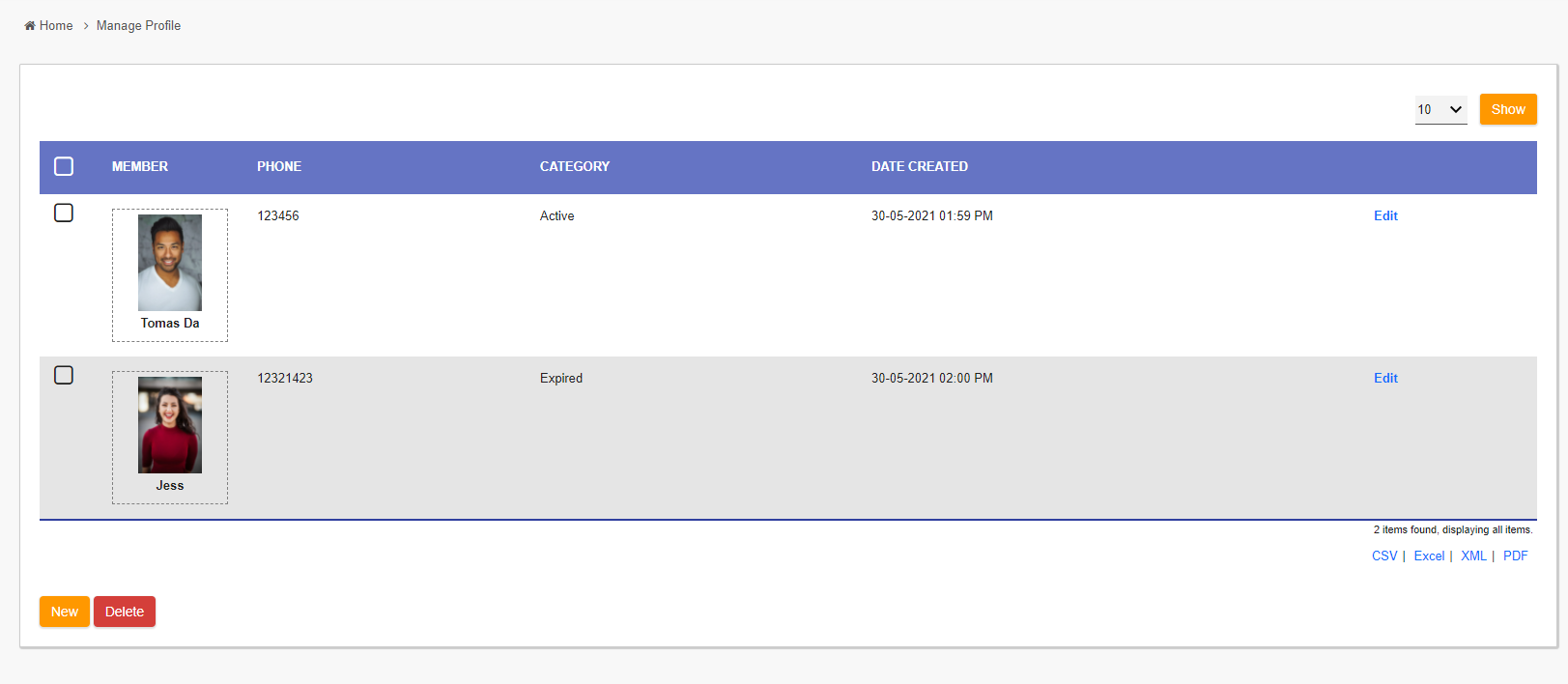
Figure 1: Profile Photo and Name in Single Cell
For context, this is the form used to construct the list.
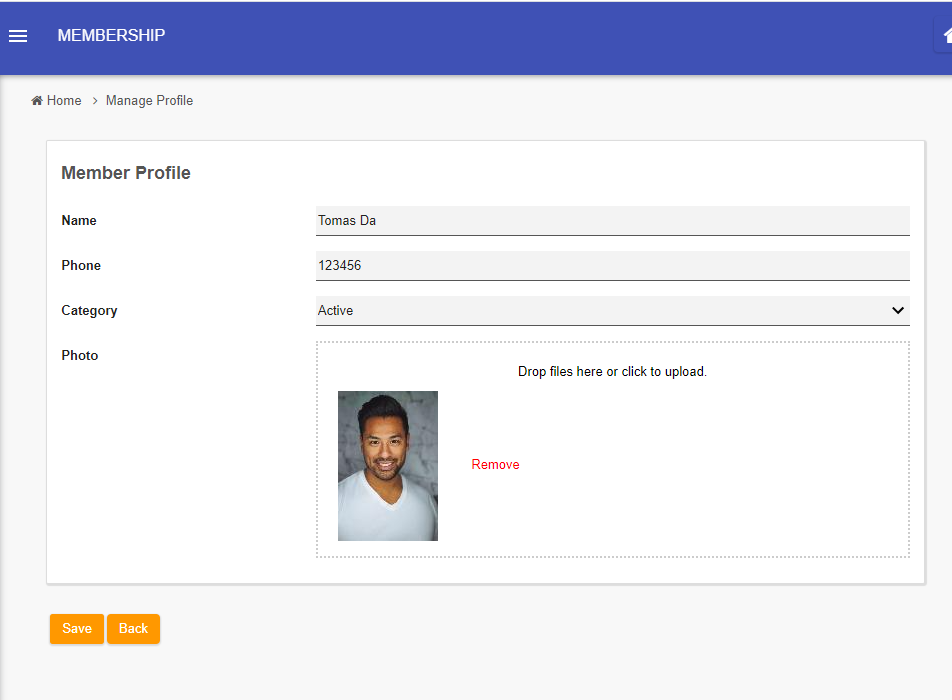
Figure 2: Form Design
The main area of interest would be the datalist builder. Observe that the "member" column is making of the BeanShell Formatter.
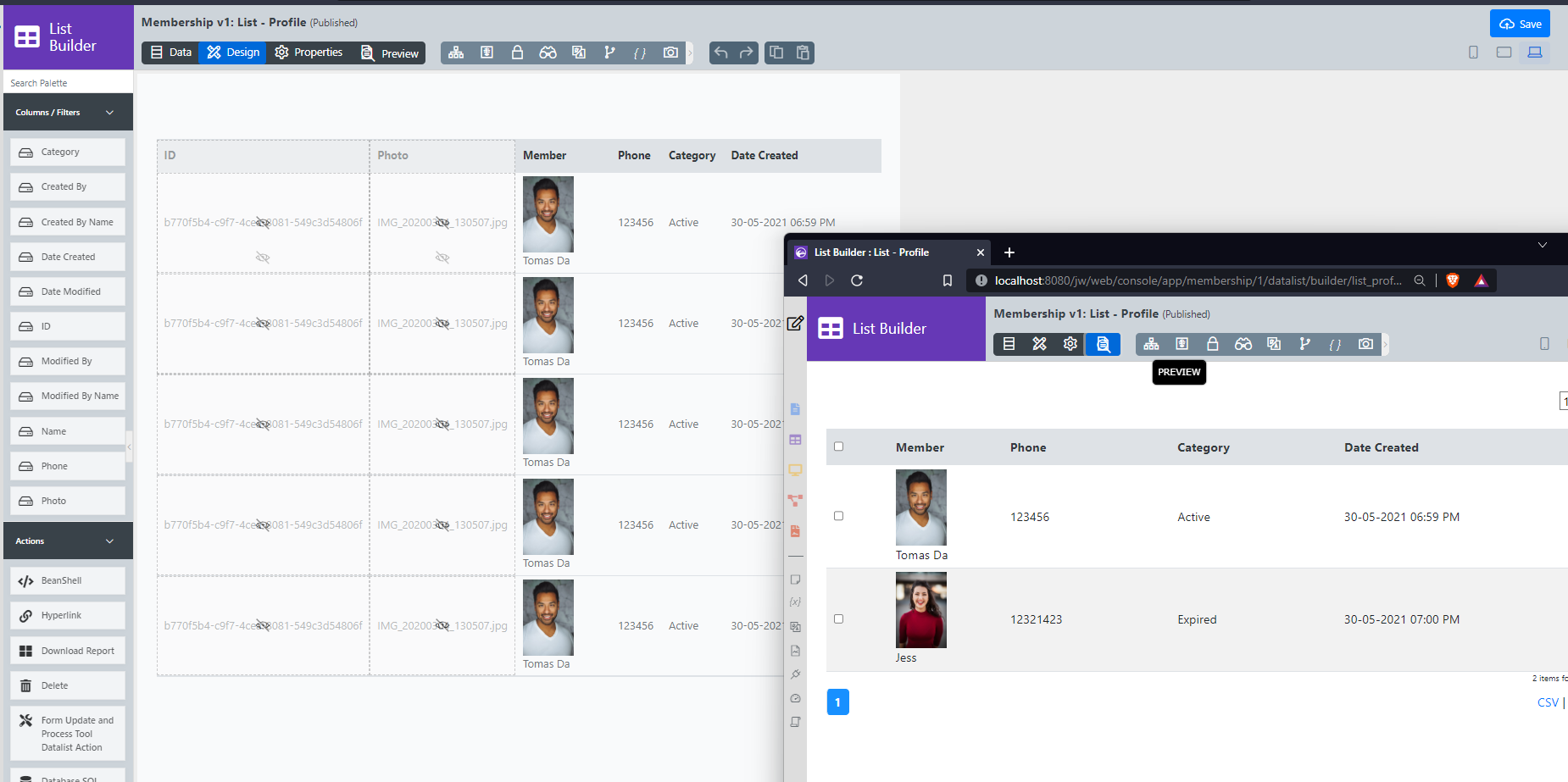
Figure 3: Datalist Builder
In the Bean Shell Formatter, this is the code used to produce the result.
Sample Java code:
String name = value;
String photoFileName = row.get("photo");
String recordId = row.get("id");

String output = "<div class=\"profile-wrapper\">";

output += "<div class=\"profile-photo\"><img src=\"/jw/web/client/app/membership/1/form/download/profile/" + recordId + "/" + photoFileName + ".\" style=\"max-height:100px;max-width:100px; \"></div>";
output += "<div class=\"profile-name\">" + name + "</div>";
output += "</div>";

return output;
In the code above, we are constructing the block line by line and wrap it around a "div" with class attribute declared for further customizations later on.
We can improve the result by making use of some CSS codes. The CSS code can be placed into the userview menu itself, in this example, we are placing it in CRUD Menu.
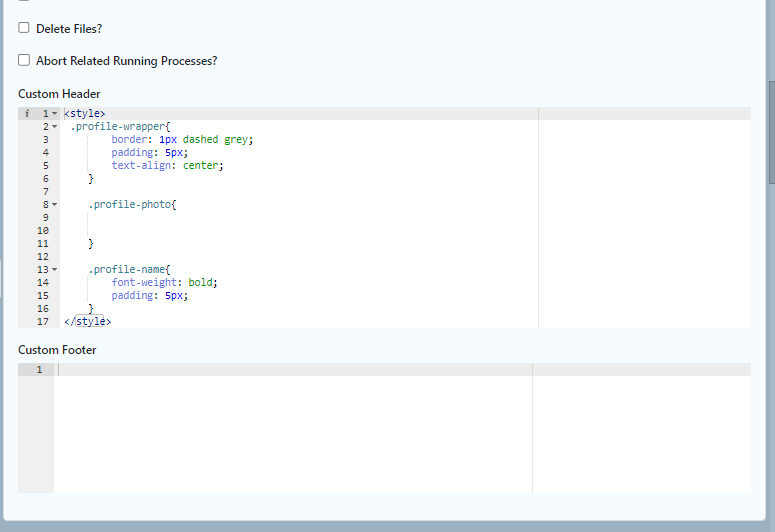
Sample CSS:
<style>
 .profile-wrapper{
        border: 1px dashed grey;
        padding: 5px;
        text-align: center;
    }

    .profile-photo{


    }

    .profile-name{
        font-weight: bold;
        padding: 5px;
    }
</style>
You can check out the sample app created for this article.
 APP_membership-1-20210530222007.jwa