Form Design
Subform Design


Make sure to remember the Form ID of your subform, it will be necessary for your Custom HTML.
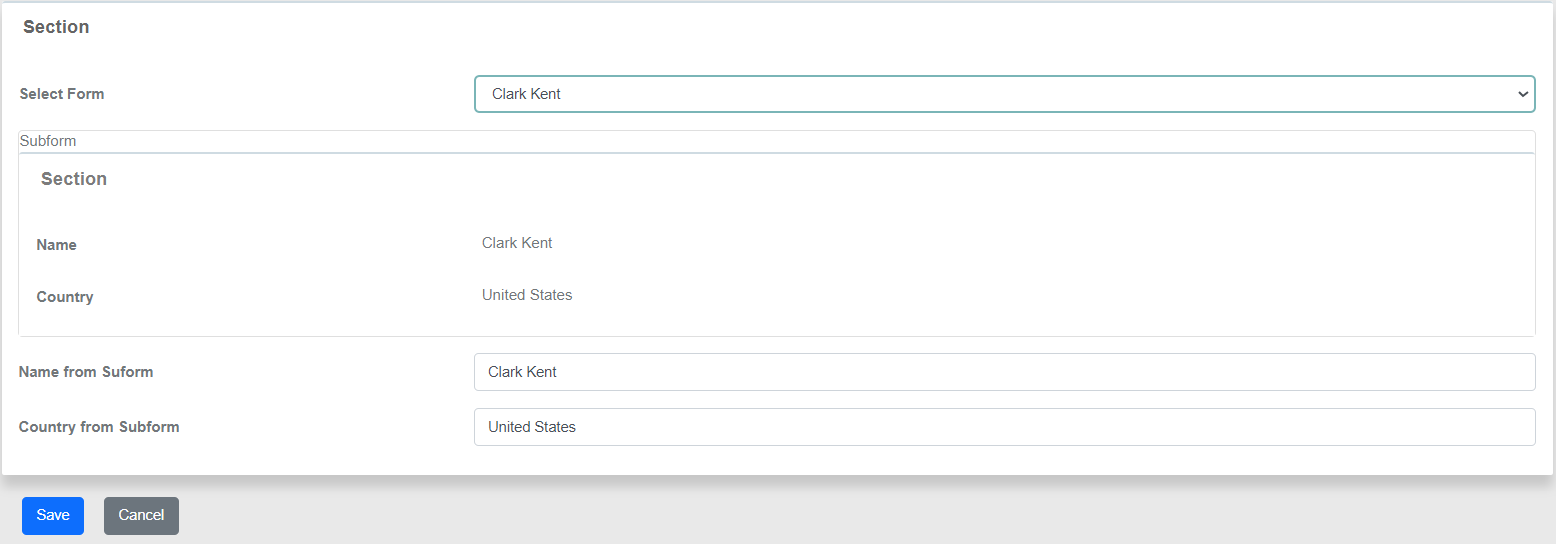
Parent Form
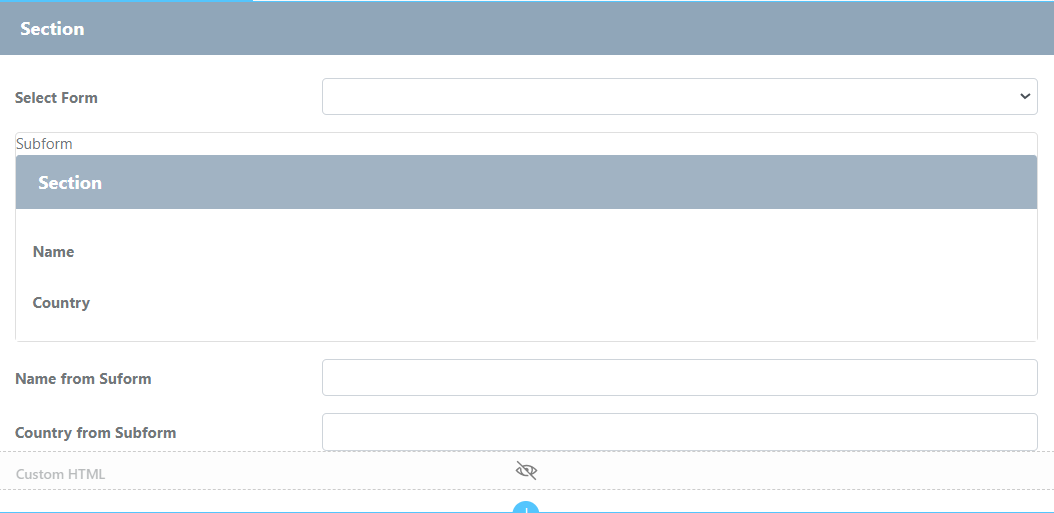

Custom HTML
This is the Javascript code that reads the value of the subform and sets the field value.
Javascript
<script>
    $(document).ready(function(){
        selectmain = $(FormUtil.getField("field1")); //Get ID of subform
        selectmain.on("change",function(){
            setTimeout(function(){
                my_name = $("#field2_subform_name"); //Get subform value
                my_country = $("#field2_subform_country");
                my_date = $("#field2_subform_date");
                var field1 = FormUtil.getField("field3"); //Get field of form
                var field2 = FormUtil.getField("field4");
                $(field1).val(my_name.val()); //Set field to value of subform
                $(field2).val(my_country.val());
            },100);
        });
    })
</script>
Runtime
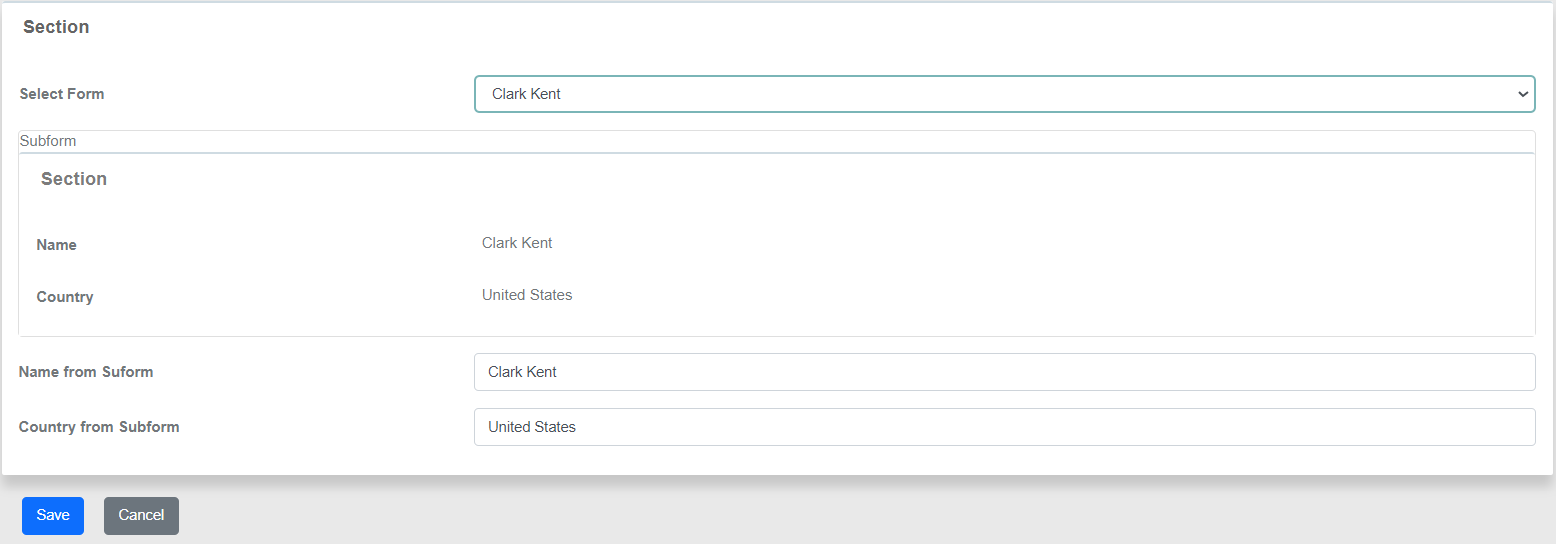
This is the result of the above code:

Download the sample app: