Introduction
This article discusses a way to display different login pages by passing parameters set on the URL. The requirement that will be used as an example is to have two different URLs of the same login page to display for admin users and non-admin users. This article will be using a CRM app as an example.
Desired output
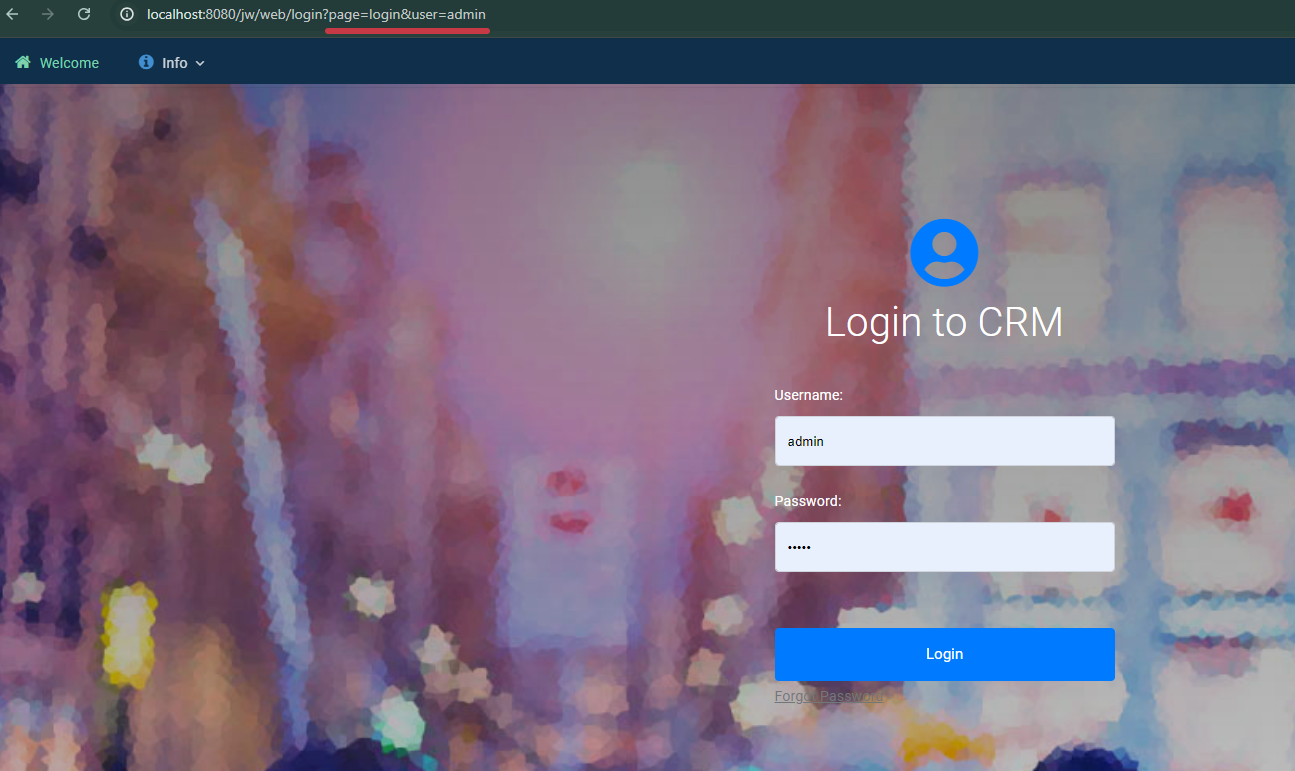
Figure 1: Admin login page, with username and password fields displayed.
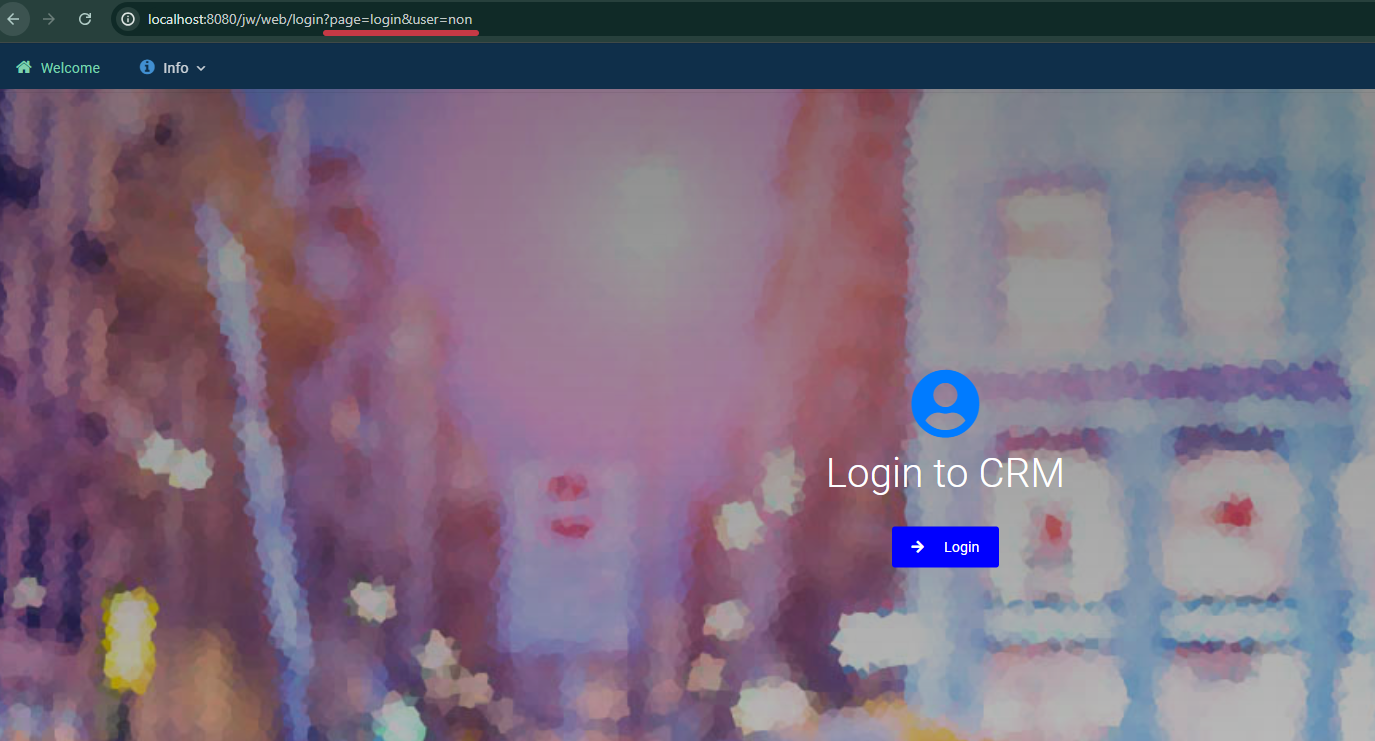
Figure 2: Non-admin login page, with only the cloud login button displayed.
How To
Setting parameters on the URL

Figure 3: Login page URL with the parameters set for admin view.

Figure 4: Login page URL with the parameters set for non-admin view.
Parameters:
- page=login
- user=admin or user=non