Once your instance of Joget is successfully installed and set up:
1. Access it by launching your browser and going to http://localhost:8080/jw. The first page you see will be the welcome and login page.
2. Unless you've changed it yourself, the default username and password is admin/admin 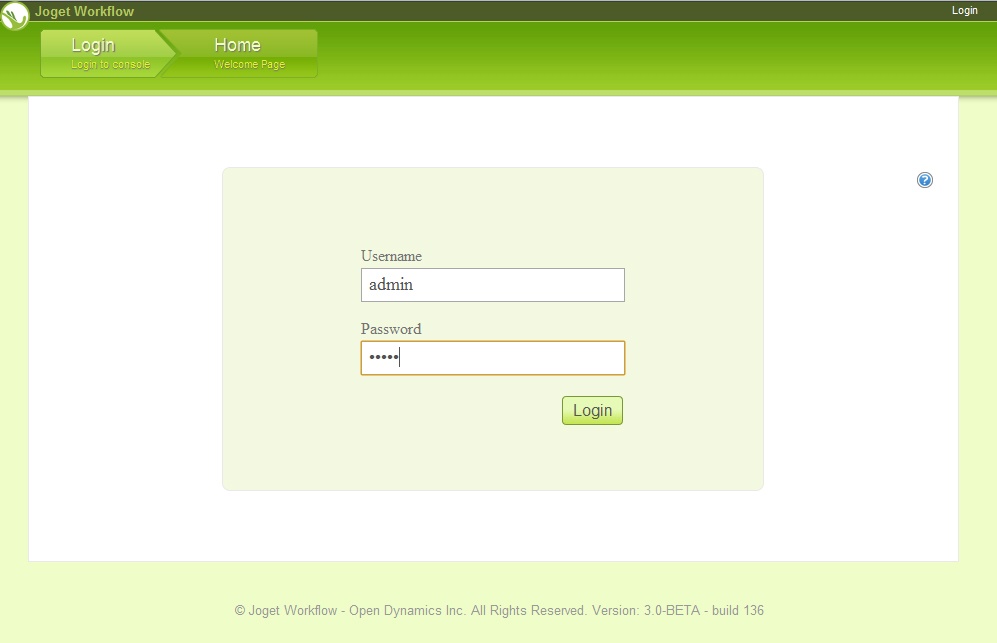
A few things to note:
- If you're accessing this thru a network and can't seem to connect, make sure your host server (the machine where Joget is installed) has the necessary firewall configuration that allows port 8080 access
- On some older browsers, you'll need to explicitly type in "http://" or you'll just get an error page