Get Started
The easiest way to see how the Hidden Field works are to use the existing built-in App Expenses Claims. Here are the steps:
- Start the Joget Server and open the App Center.
- Log in as admin and click on the pencil icon on the Expenses Claim to open the Design App. (see Figure 1)
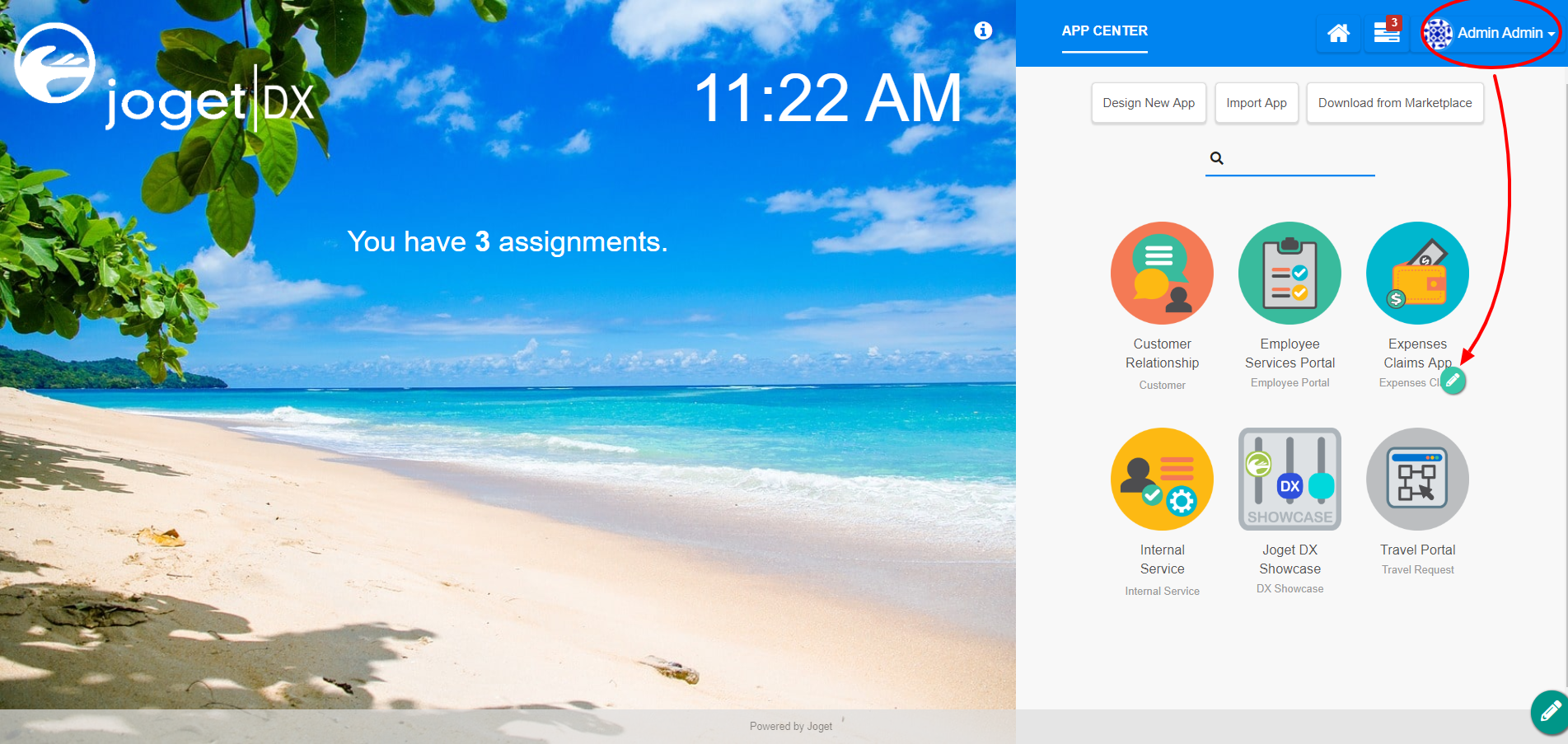
Figure 1 - Under FORMS column, click on Expense Claim New (see Figure 2)
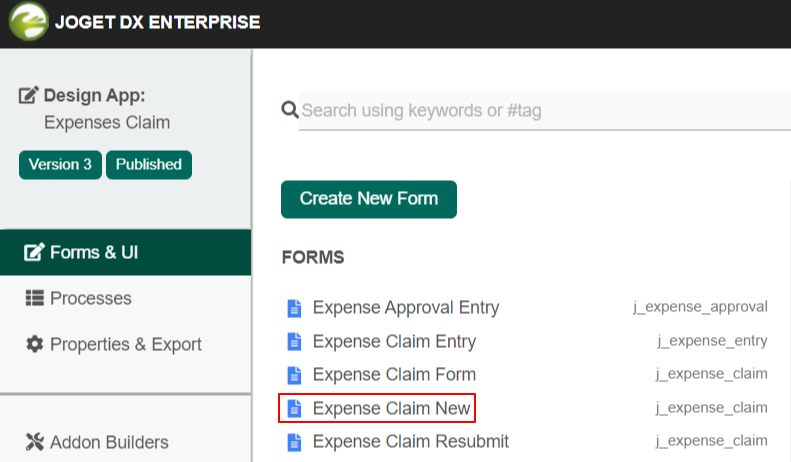
Figure 2 - Hover the mouse over the Hidden Field element on the canvas entitled status and click on Edit to open up the Edit Hidden Field properties. (see Figure 3)
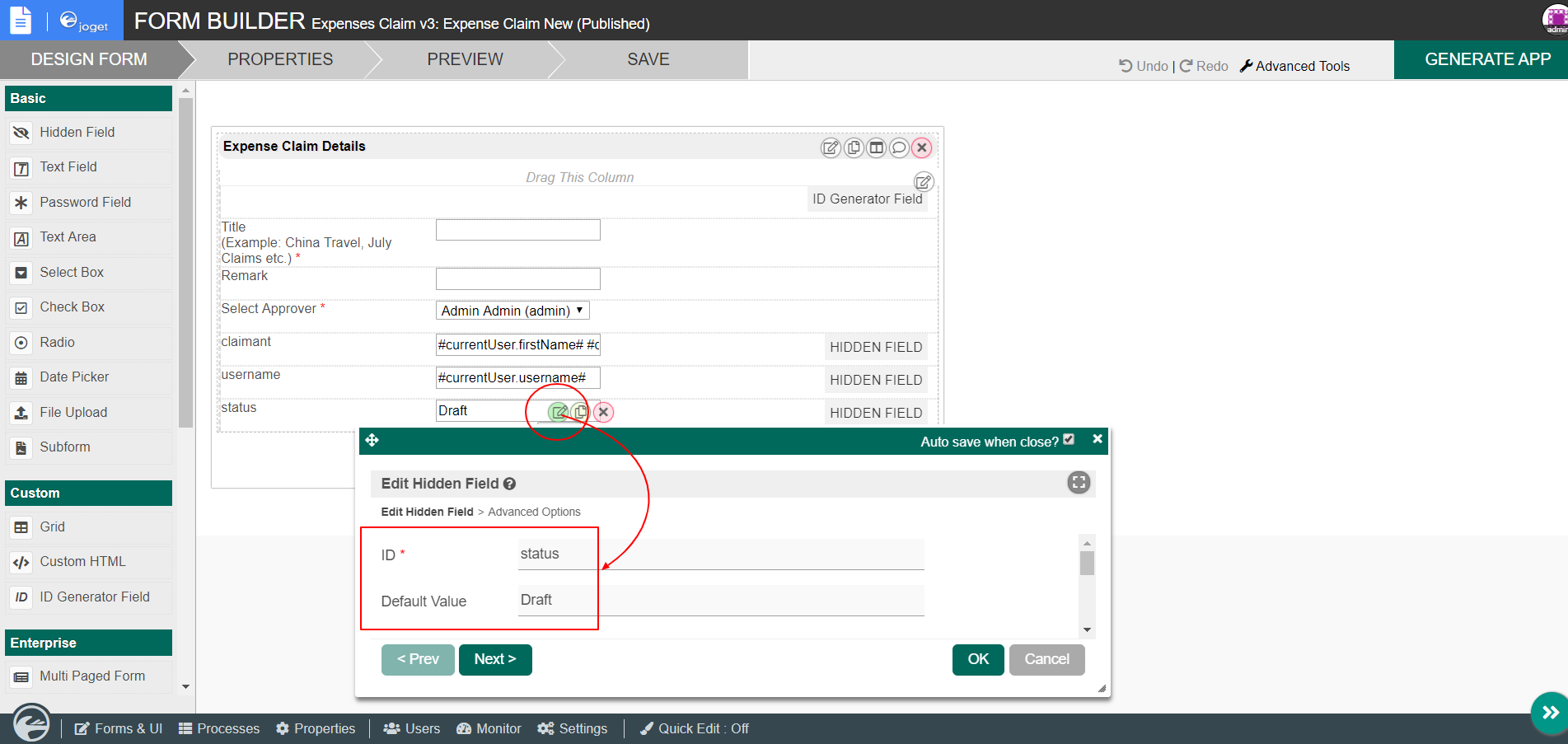
Figure 3 - Click on Preview to open up the Preview tab, and you will not be able to see the Hidden Field.
Hidden Field Properties
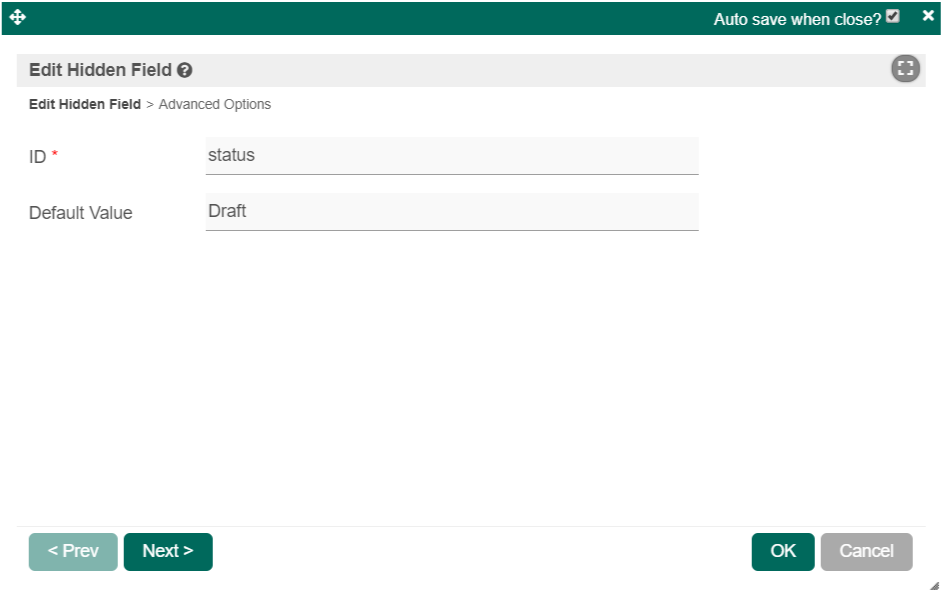
Edit Hidden Field
| Name | Description |
|---|---|
| ID | Element ID (By declaring as "status", a corresponding database table column "c_status" will be created) |
| Default Value | Default Value when there's no existing value found. The hash variable is accepted here. For example, you may key the following #currentUser.firstName# #currentUser.lastName# to pre-populate the field with currently logged in user's name. |
Advanced Options
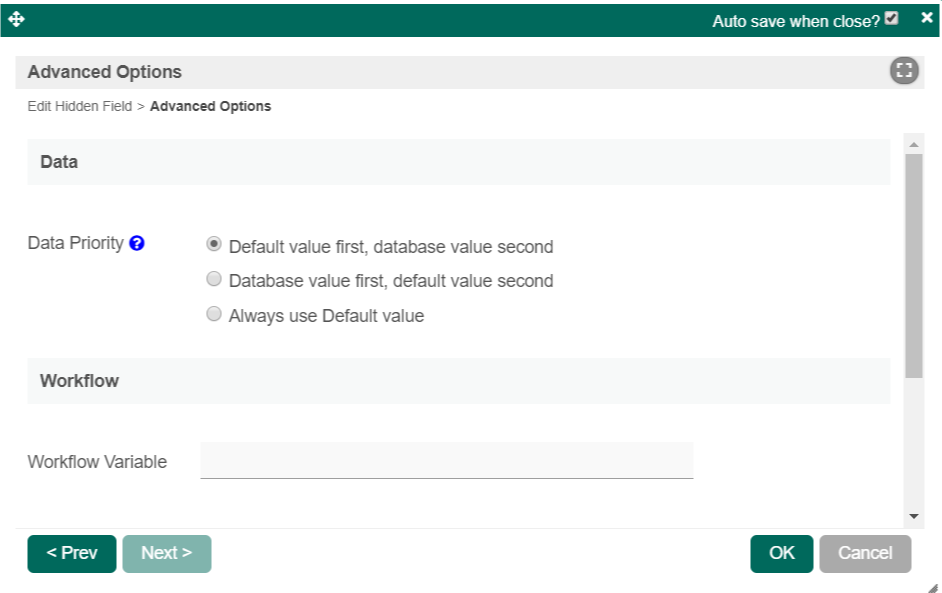
| Name | Description |
|---|---|
| Data Priority | Determines on which value to be taken into consideration. There are 3 options with their own data precedence to cater to different use cases. |
| Workflow Variable | If the form is part of a workflow process, upon saving of the form (by clicking on "Save as Draft" or "Complete" button). The value in this input field will be saved into the corresponding workflow variable named here. Using a non-existent Workflow Variable name You will get the following warning with the name printed out (e.g. status) in the server log if you attempt to map to a non-existent Workflow Variable. context attribute status does not exist in process context - adding new attributes to the process context is not allowed |