License Error
The license of the app Translations for Confluence (formerly Language Macros) has expired. Please renew the license.
License Error
The license of the app Translations for Confluence (formerly Language Macros) has expired. Please renew the license.
It is also possible to customize or create your own version of the App Center! Refer here for more information: Customizing App Center
The App Center is the default landing page in Joget DX which displays a grid of published apps. To access the App Center, use a web browser to access the Joget server at http://localhost:8080/jw. (Replace localhost and 8080 with the appropriate server host and port if necessary)
License Error
The license of the app Translations for Confluence (formerly Language Macros) has expired. Please renew the license.
License Error
The license of the app Translations for Confluence (formerly Language Macros) has expired. Please renew the license.
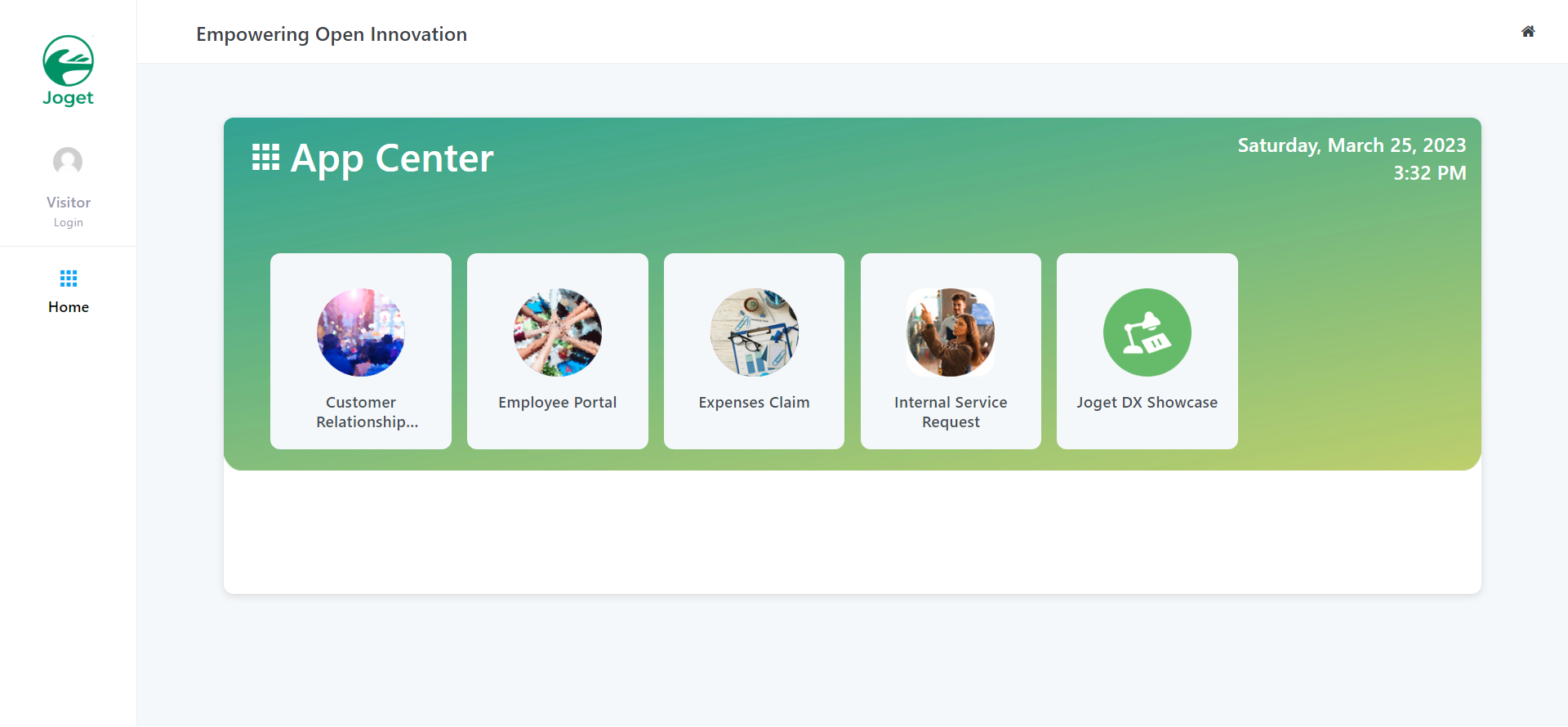
Click on the Login link on the top left to login as a user. Each user may have access to different apps depending on permissions.
License Error
The license of the app Translations for Confluence (formerly Language Macros) has expired. Please renew the license.
License Error
The license of the app Translations for Confluence (formerly Language Macros) has expired. Please renew the license.
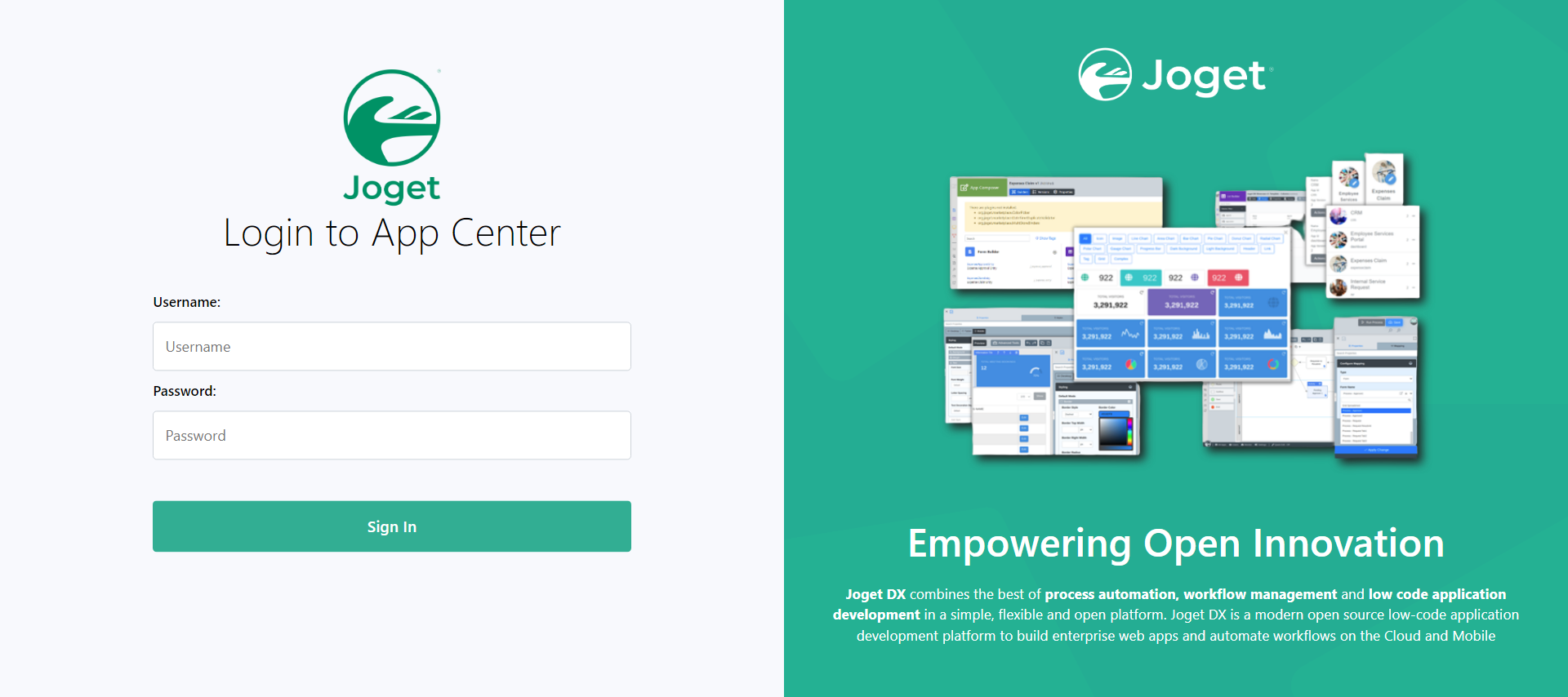
Some sample logins are provided in a standard installation as follows:
License Error
The license of the app Translations for Confluence (formerly Language Macros) has expired. Please renew the license.
License Error
The license of the app Translations for Confluence (formerly Language Macros) has expired. Please renew the license.
Administrator:
License Error
The license of the app Translations for Confluence (formerly Language Macros) has expired. Please renew the license.
Username: admin
Password: admin
Normal User (Employee):License Error
The license of the app Translations for Confluence (formerly Language Macros) has expired. Please renew the license.
Username: cat
Password: password
Normal User (Manager):License Error
The license of the app Translations for Confluence (formerly Language Macros) has expired. Please renew the license.
Username: clark
Password: password
Click on All Apps then use the search box to quickly find an app. For example, type claim to look for the sample HR Expenses Claim App
License Error
The license of the app Translations for Confluence (formerly Language Macros) has expired. Please renew the license.
License Error
The license of the app Translations for Confluence (formerly Language Macros) has expired. Please renew the license.
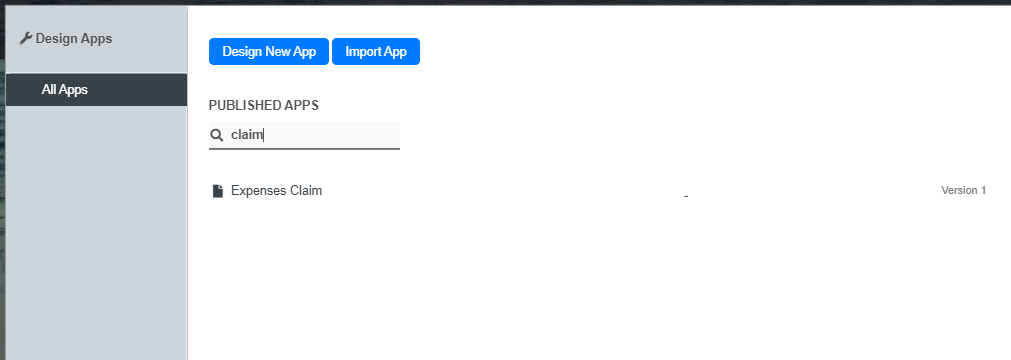
Clicking anywhere on the box that contains application name will launch that app in a separate browser window.
License Error
The license of the app Translations for Confluence (formerly Language Macros) has expired. Please renew the license.
License Error
The license of the app Translations for Confluence (formerly Language Macros) has expired. Please renew the license.
Installing Apps from Joget Marketplace
License Error
The license of the app Translations for Confluence (formerly Language Macros) has expired. Please renew the license.
License Error
The license of the app Translations for Confluence (formerly Language Macros) has expired. Please renew the license.
From the App Center itself, you can click on Download from Marketplace to access Joget Marketplace.
License Error
The license of the app Translations for Confluence (formerly Language Macros) has expired. Please renew the license.
License Error
The license of the app Translations for Confluence (formerly Language Macros) has expired. Please renew the license.
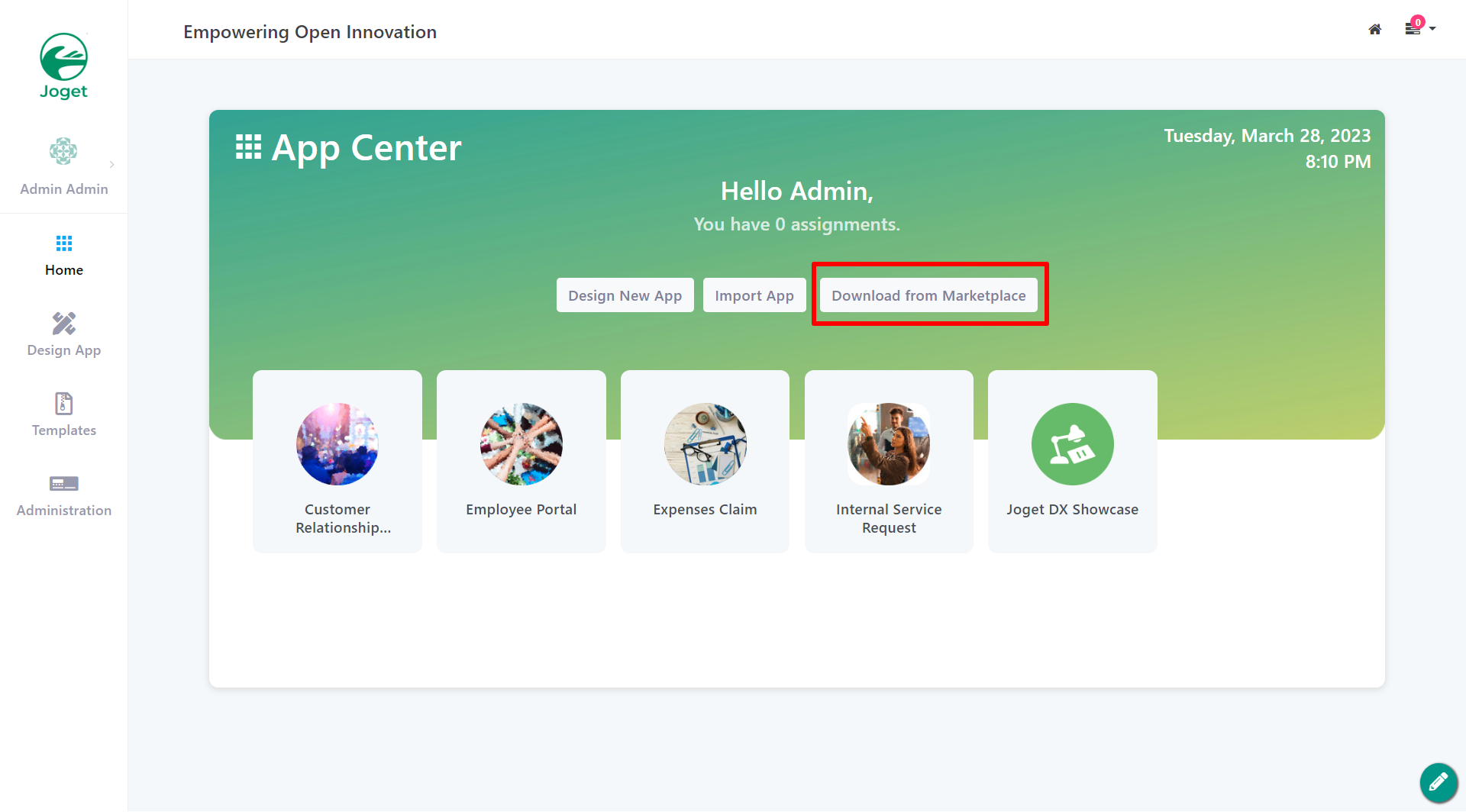
App that is found in the Joget Marketplace can be installed seamlessly into your copy of Joget.
License Error
The license of the app Translations for Confluence (formerly Language Macros) has expired. Please renew the license.
License Error
The license of the app Translations for Confluence (formerly Language Macros) has expired. Please renew the license.
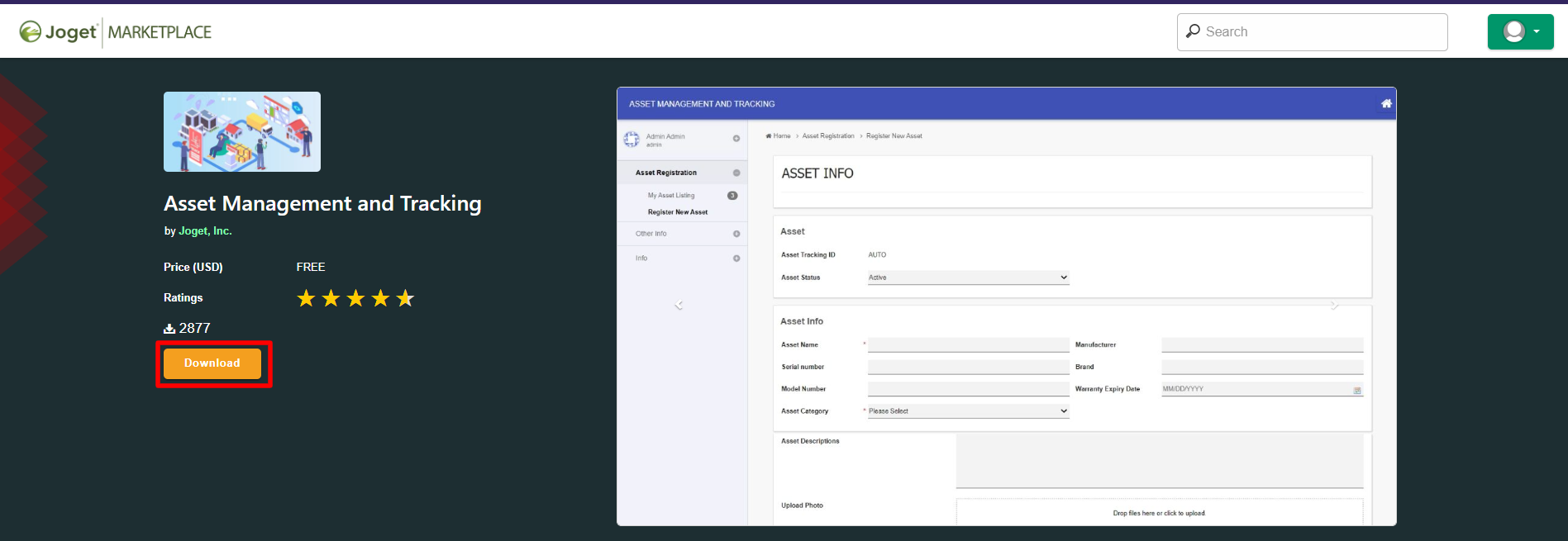
IMPORTANT NOTE:
- You will need to sign-up for a Joget Marketplace account separately.
- Make sure you are logged in to the Joget Marketplace from the App Center or you will not be able to "Install".
This is a new feature in Joget DX 8.
Templates
This is a new feature first introduced in Joget DX 8 that allows app designers to templatize existing apps by modifying (entity) names in the app design.
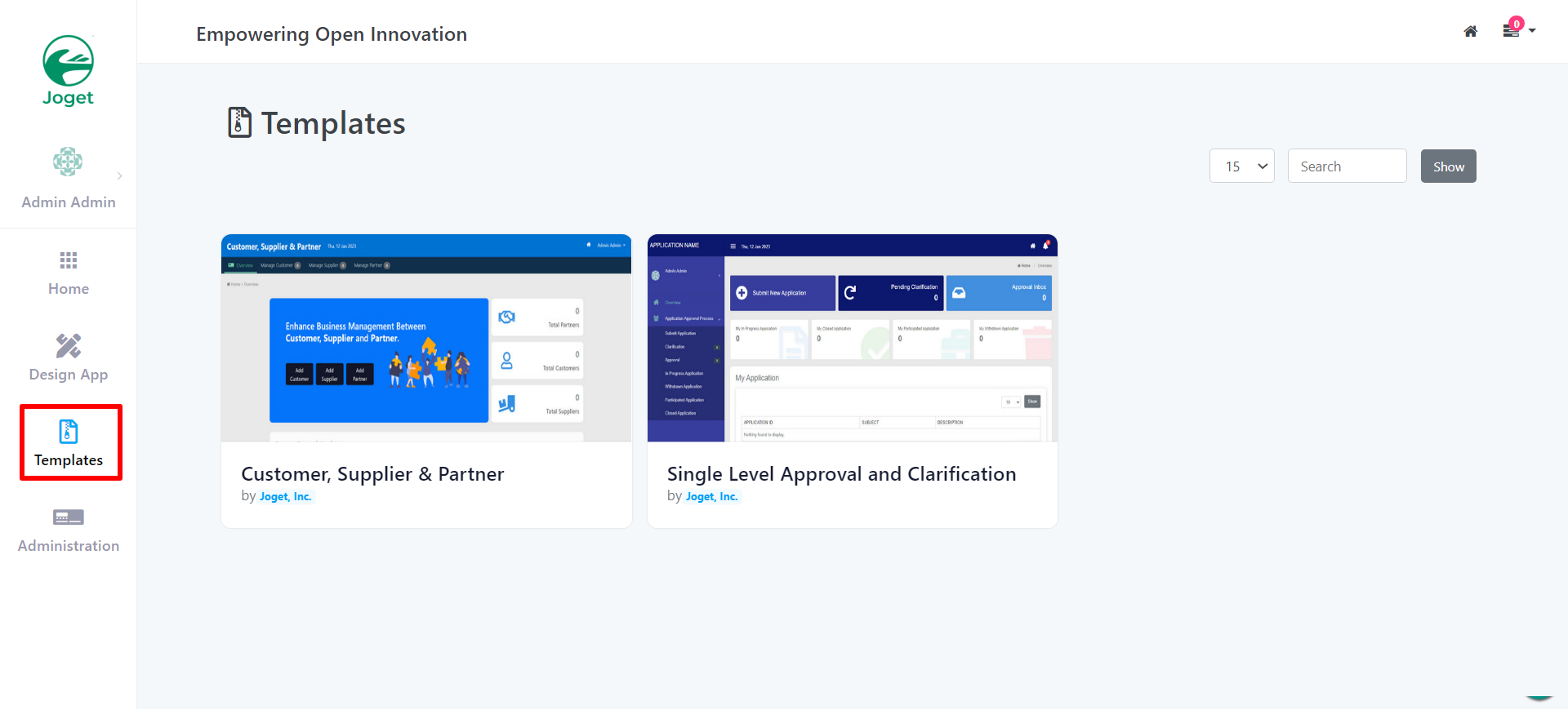
- From the App Center click on Templates to view all available templates
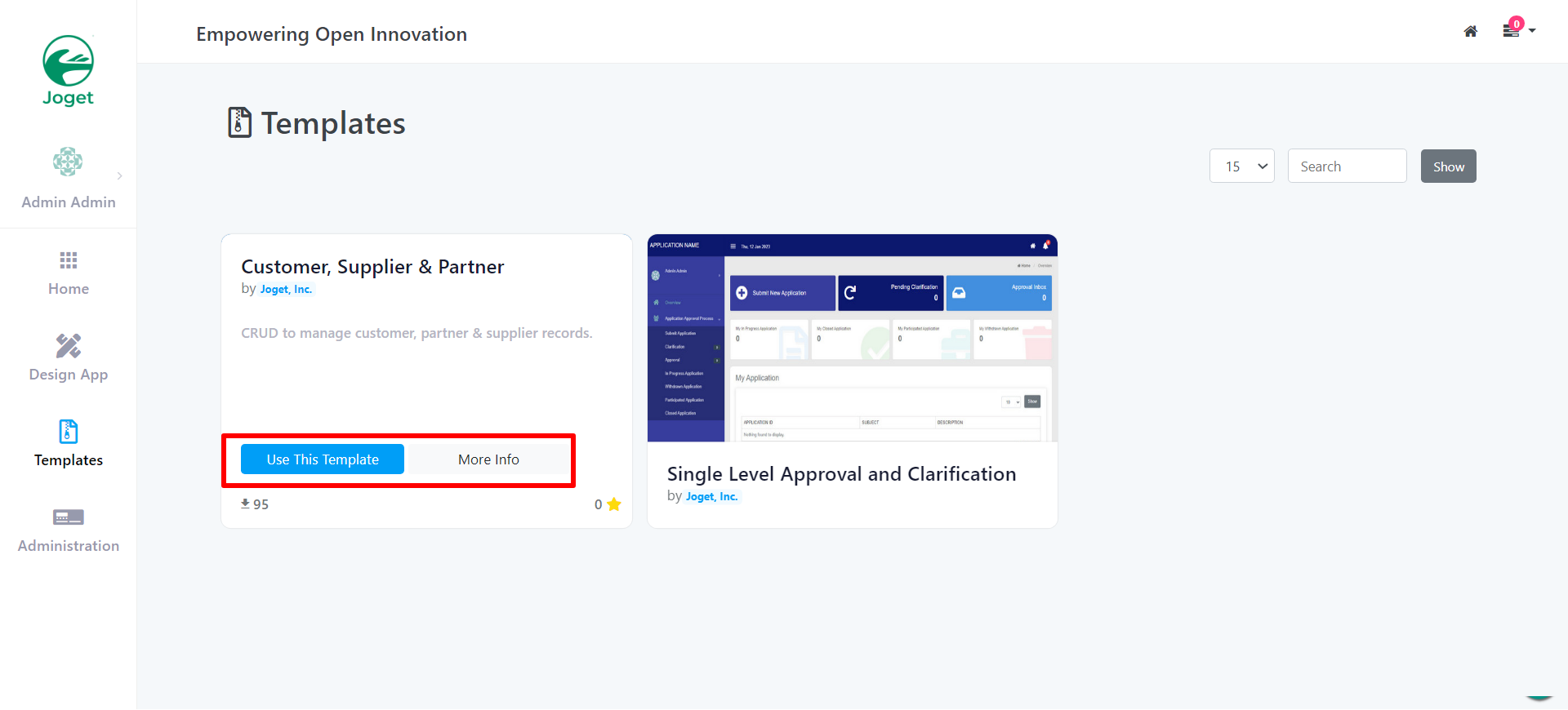
2. Hover over any template to the show the options:
i. Use The Template
ii. More Info
Another Method of accessing templates is from the Design App tab
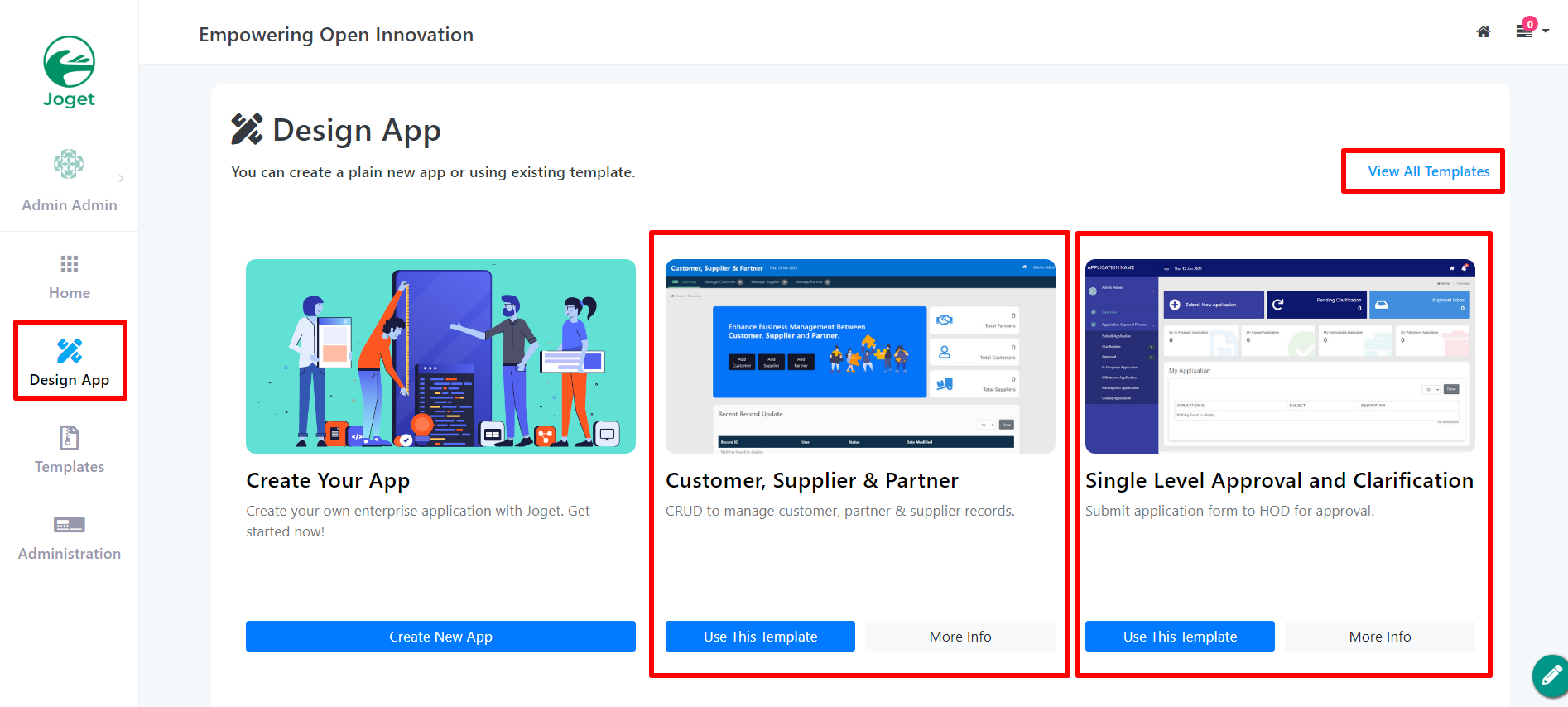
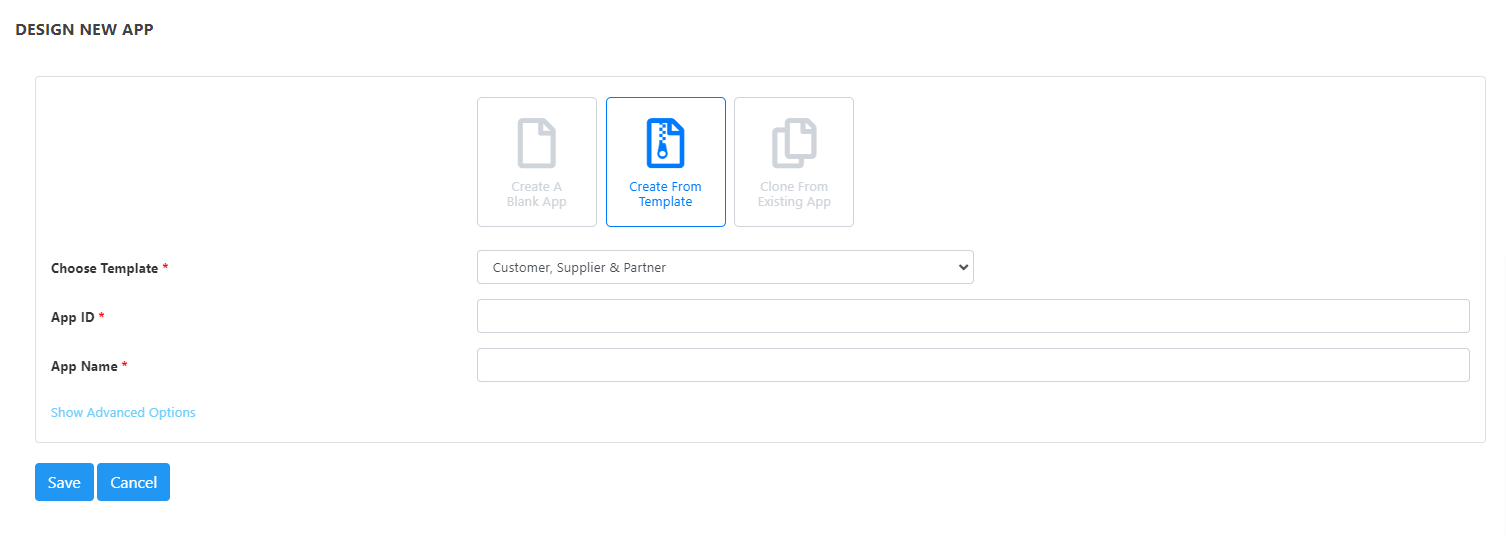
Choose the appropriate template or go to Create New App as shown in the figure below.