Step-by-Step Guide
License Error
The license of the app Translations for Confluence (formerly Language Macros) has expired. Please renew the license.
License Error
The license of the app Translations for Confluence (formerly Language Macros) has expired. Please renew the license.
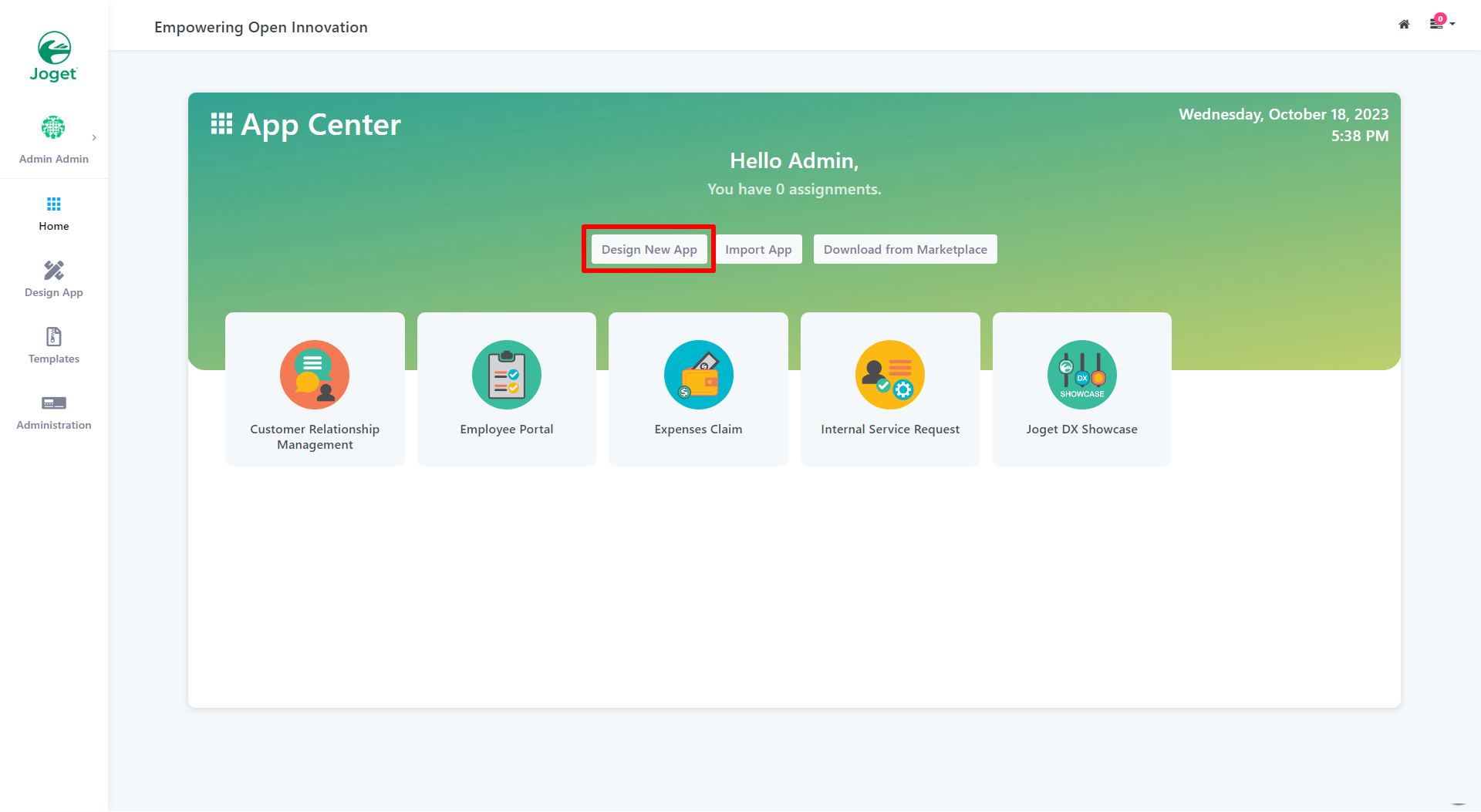
Figure 1: Design New App
In the Design App Page, click on the Create New App button.
License Error
The license of the app Translations for Confluence (formerly Language Macros) has expired. Please renew the license.
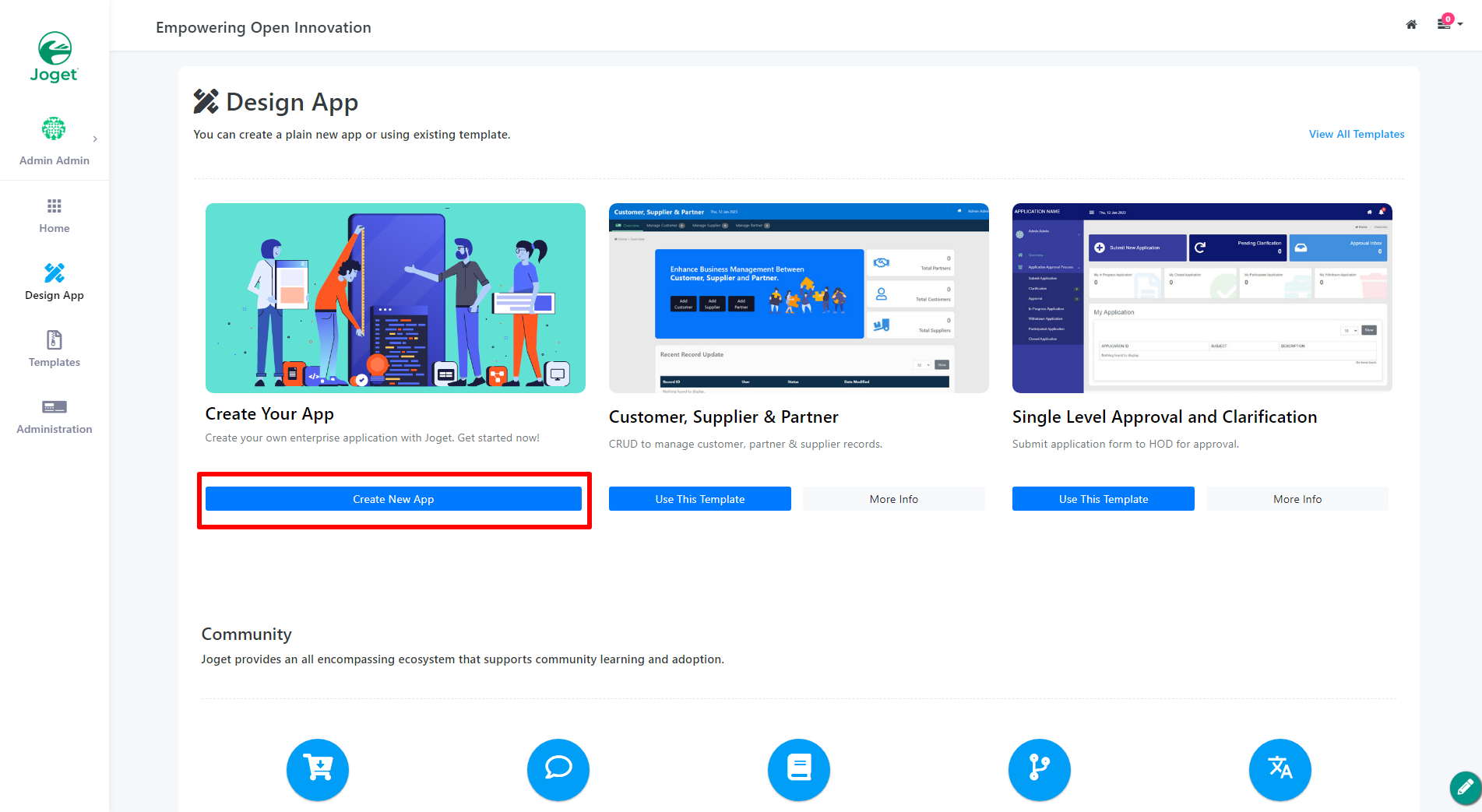
Figure 2: Create New App
Key in the details of the new app.
License Error
The license of the app Translations for Confluence (formerly Language Macros) has expired. Please renew the license.
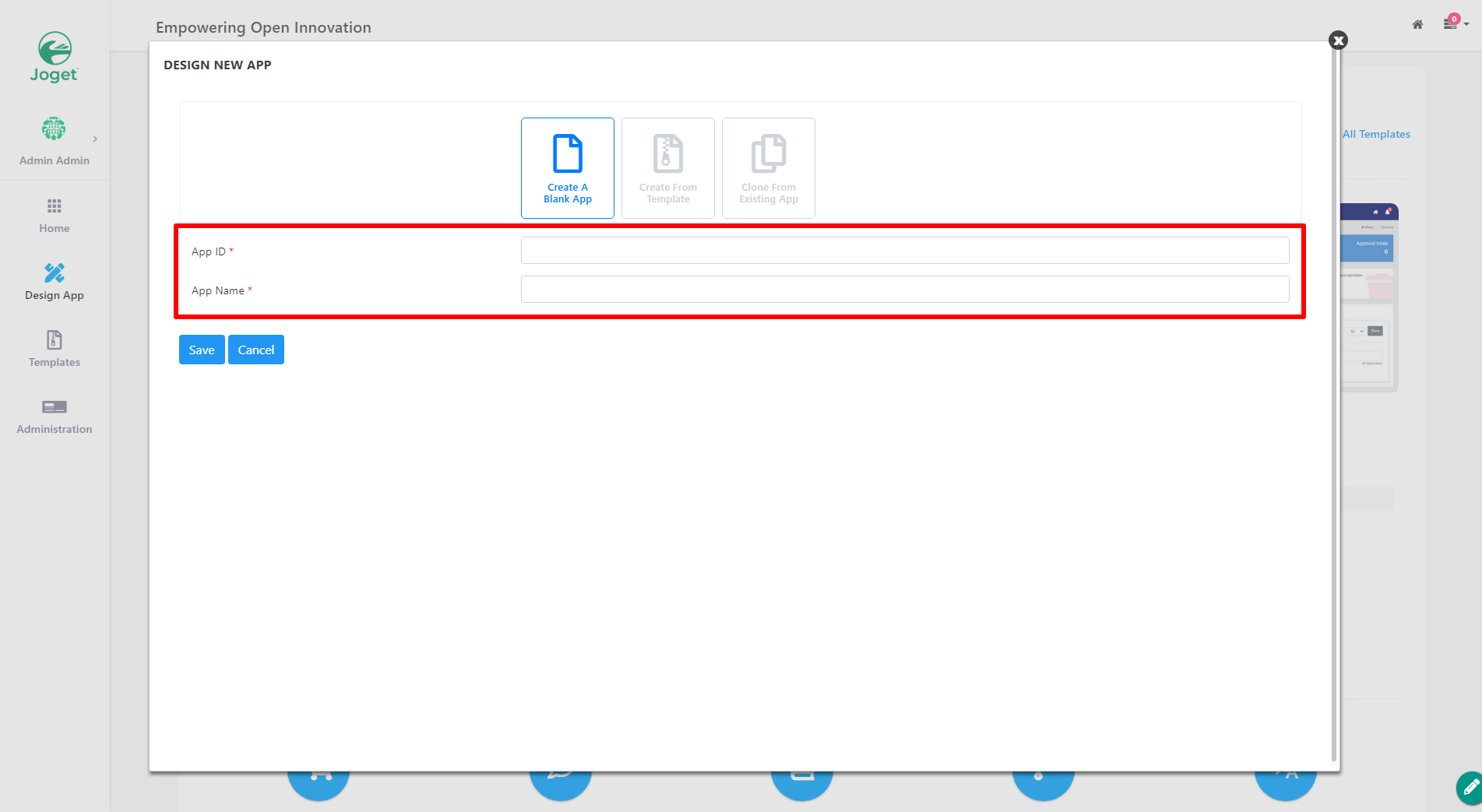
Figure 3: Enter App Details (Blank App)
| Name | Description |
|---|
| App ID | A short and unique ID for each app (no spaces) e.g. travelRequest
License Error The license of the app Translations for Confluence (formerly Language Macros) has expired. Please renew the license. |
| App Name | A descriptive name e.g. Travel Request
License Error The license of the app Translations for Confluence (formerly Language Macros) has expired. Please renew the license. |
Click on Save. The app will be created and you will be prompted to the app composer page.
License Error
The license of the app Translations for Confluence (formerly Language Macros) has expired. Please renew the license.
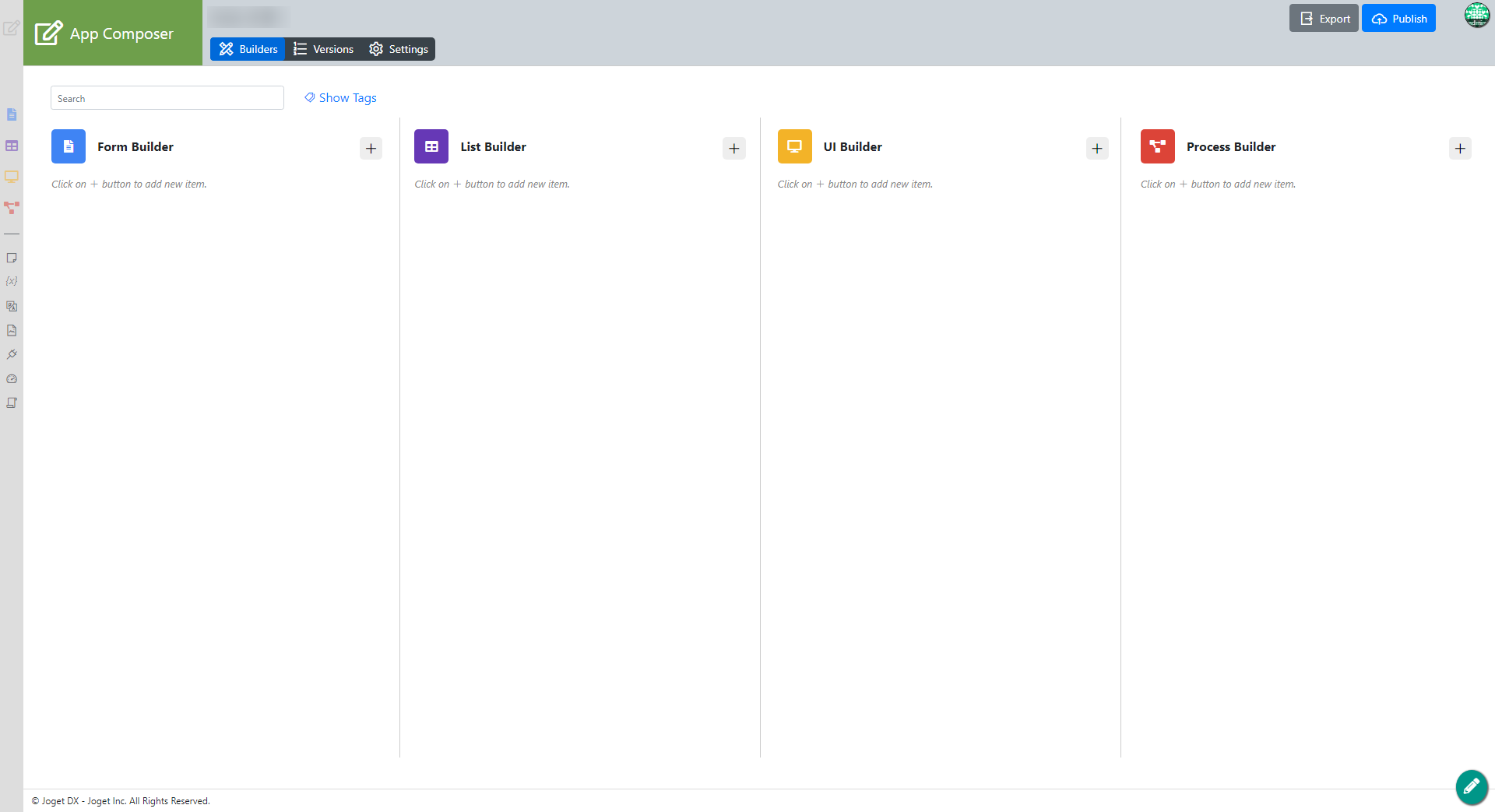
Figure 6: Save App