Introduction
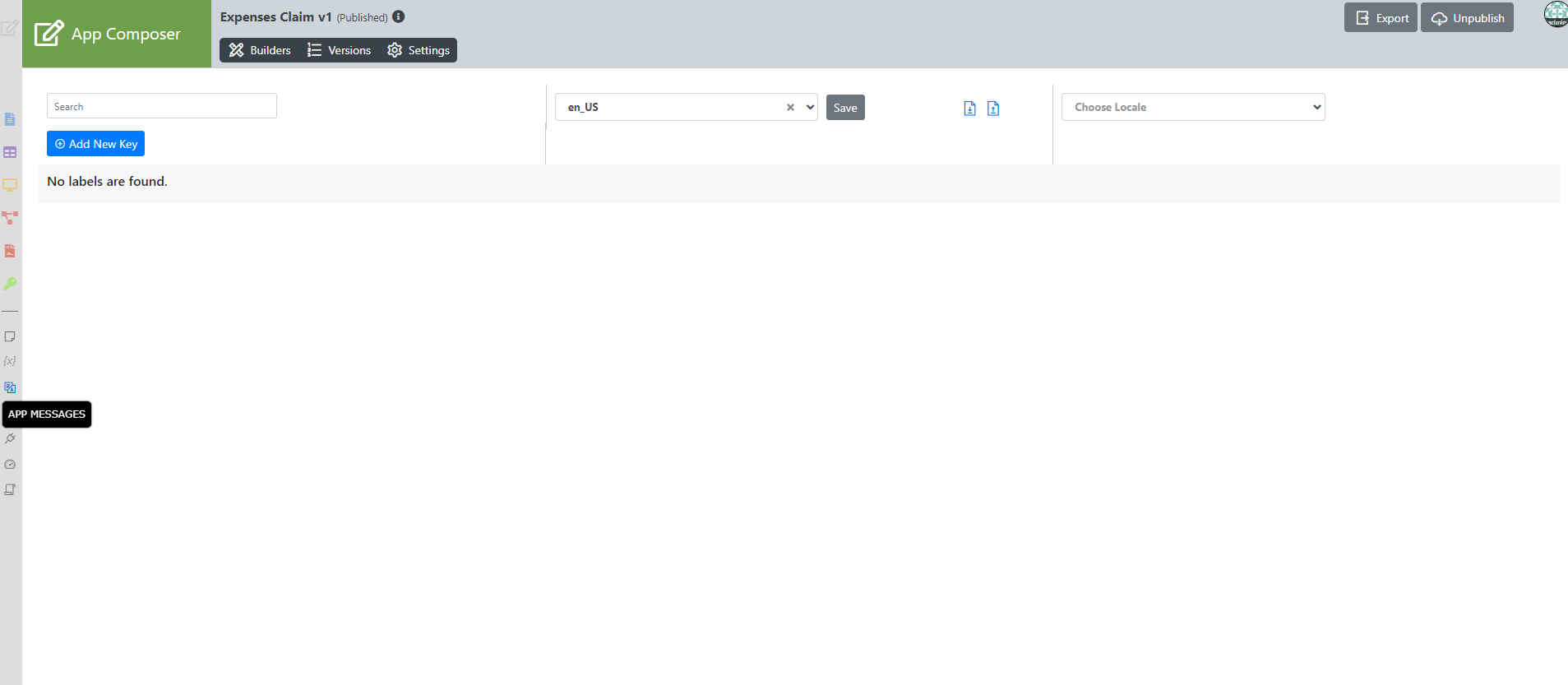
Figure 1: Properties & Export - Message
Import PO File- Import a .po file to the App.
Generate PO File- Generate a .po file of selected locale in the App.
Add New Key- You may add your own message key value into your App.
Form Builder
New Feature
This is a new feature in Joget DX 8.
Accessing it through the form builder is a new feature in DX 8.
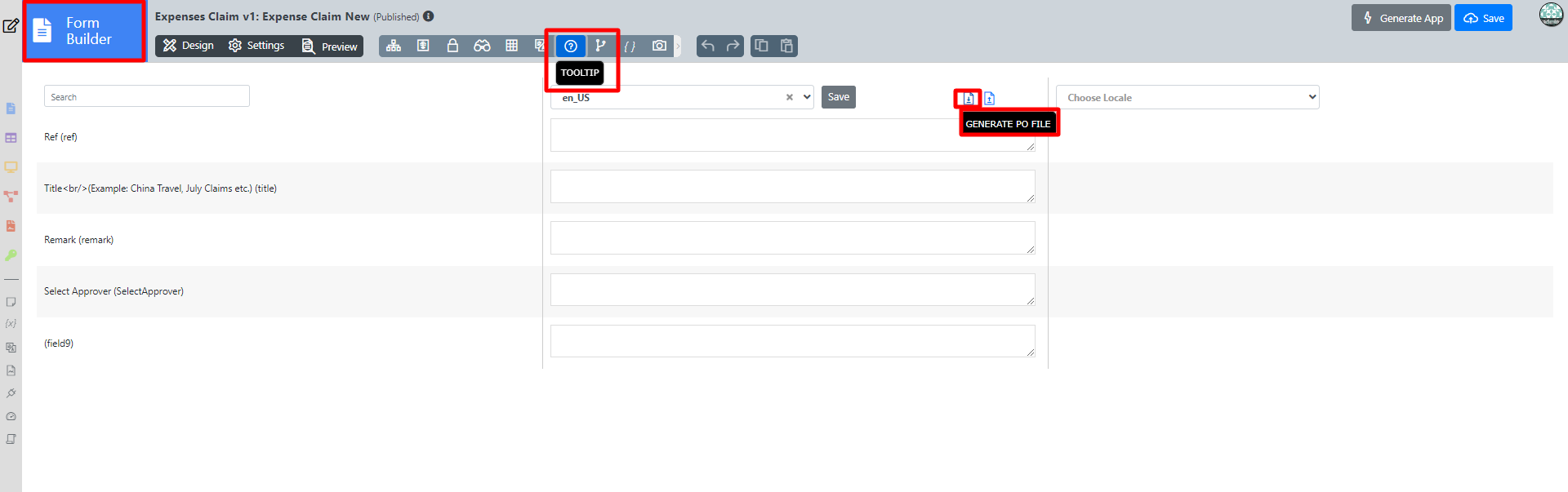
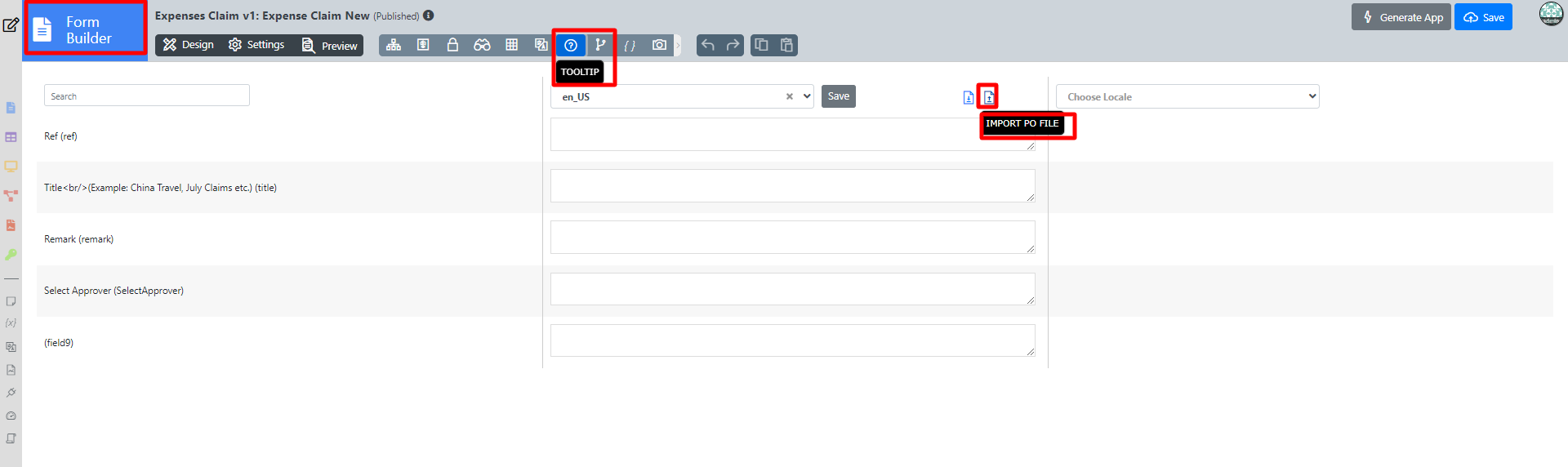
Import PO File- Import a .po file to the App.
Generate PO File- Generate a .po file of selected locale in the App.
Deleting The Messages
There are two options to delete the i18n messages in your Form Advance Tools:
- Empty or delete the translation property field values and then click the Save button, Joget will delete the message record from the "app_message" database table.
- Use a database manager to delete the records - use this SELECT SQL query to display the records: SELECT * FROM app_message WHERE appId='crm' // Change the appId to your app's ID
Add Messages And PO Files
Related Documentation
Builder Advanced Tools > i18n Internationalization