License Error
The license of the app Translations for Confluence (formerly Language Macros) has expired. Please renew the license.
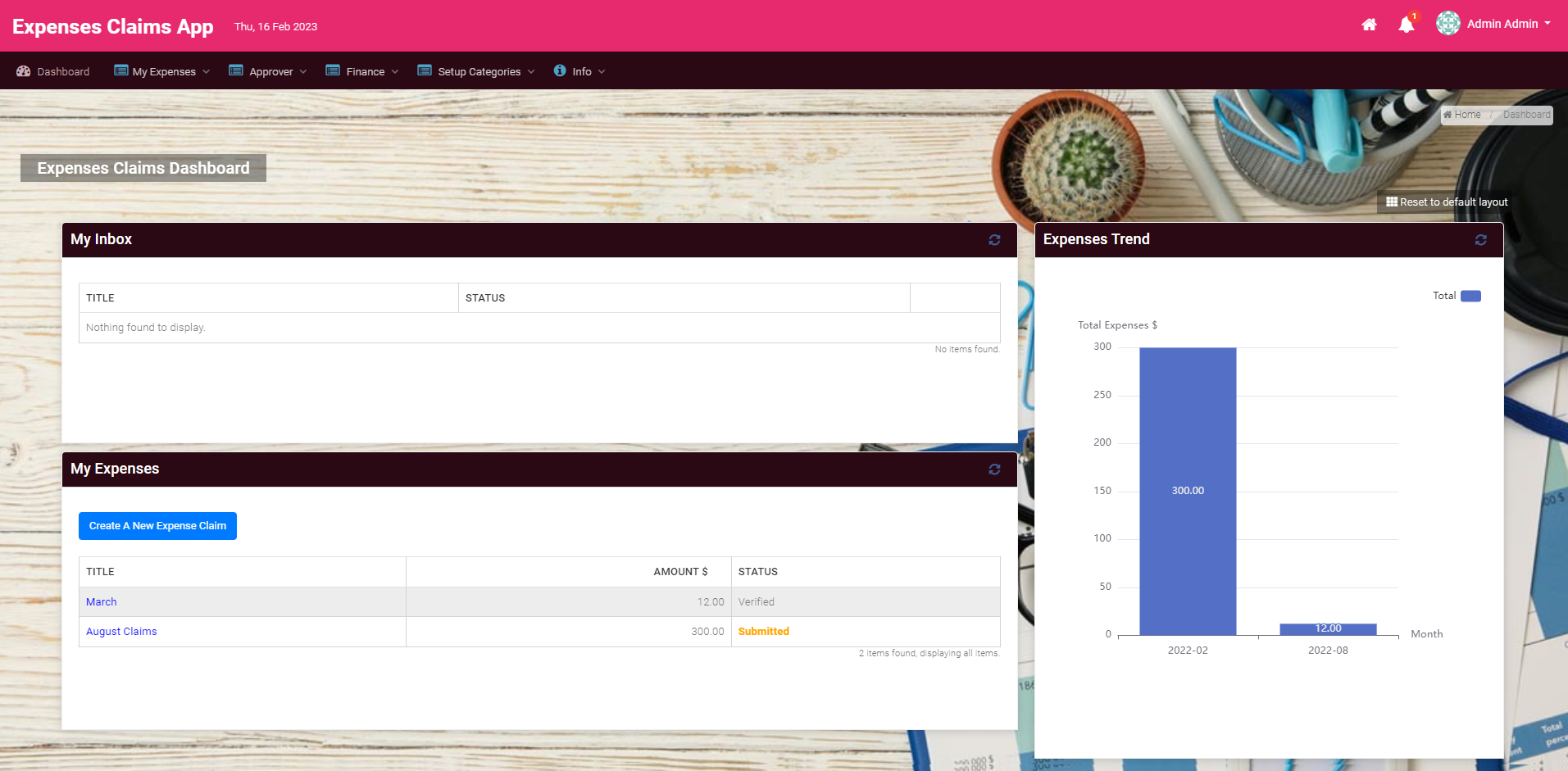
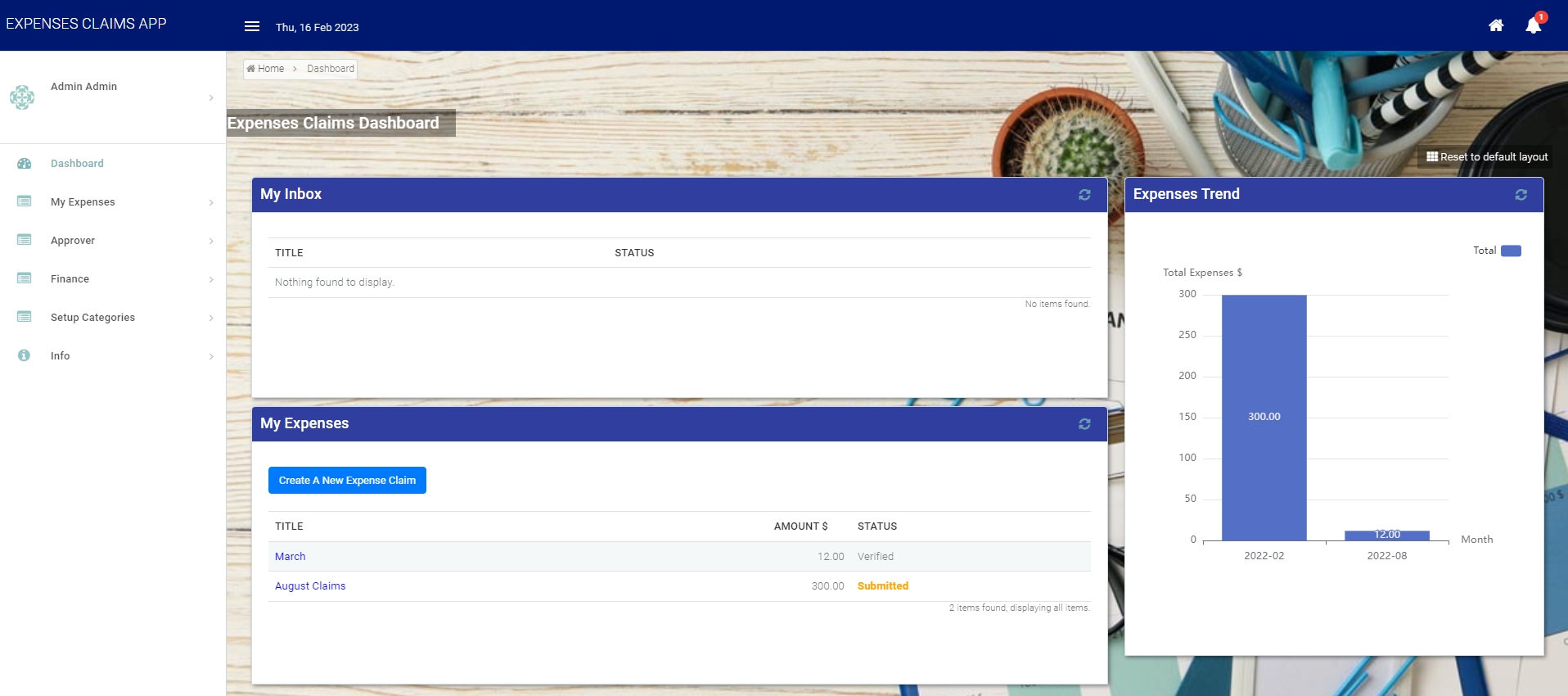
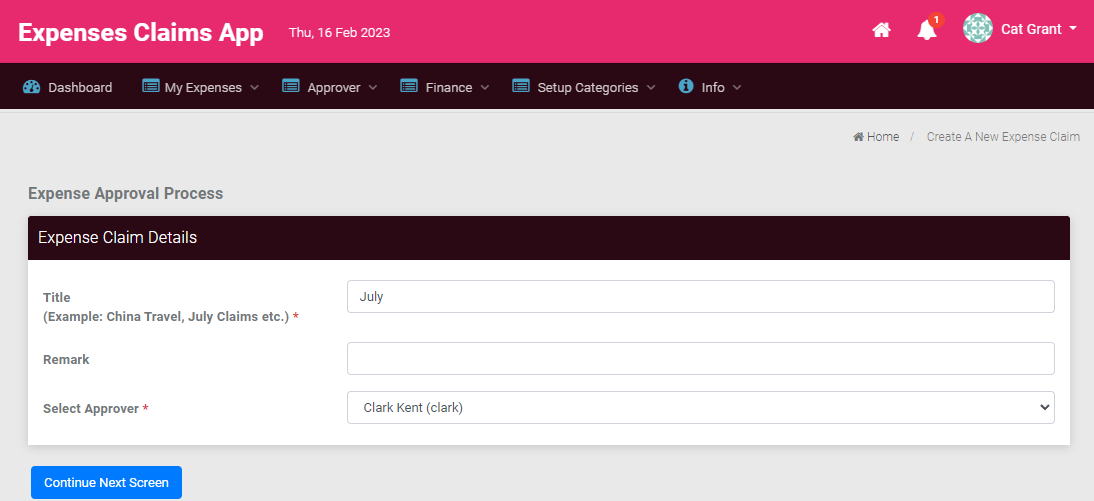
In the sample Expenses Claim App, login as a normal employee (Clark) and click on the New Expenses Claim to see an expenses claim form. Fill up the form and click on Complete to submit.
License Error
The license of the app Translations for Confluence (formerly Language Macros) has expired. Please renew the license.
License Error
The license of the app Translations for Confluence (formerly Language Macros) has expired. Please renew the license.
Logout and login as Cat's manager Clark, then click on Approver Inbox in the menu. The page displays a datalist showing the task inbox, in this case Clark will see a pending claim from Cat.
License Error
The license of the app Translations for Confluence (formerly Language Macros) has expired. Please renew the license.
License Error
The license of the app Translations for Confluence (formerly Language Macros) has expired. Please renew the license.
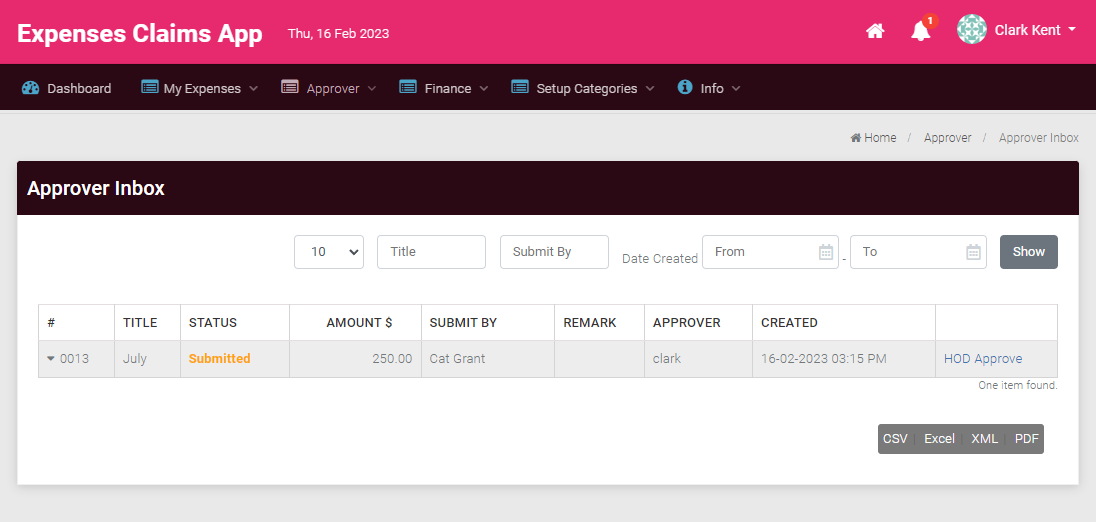
As Clark, click on the Approve Claim link to view and approve Cat's submission.
License Error
The license of the app Translations for Confluence (formerly Language Macros) has expired. Please renew the license.
License Error
The license of the app Translations for Confluence (formerly Language Macros) has expired. Please renew the license.
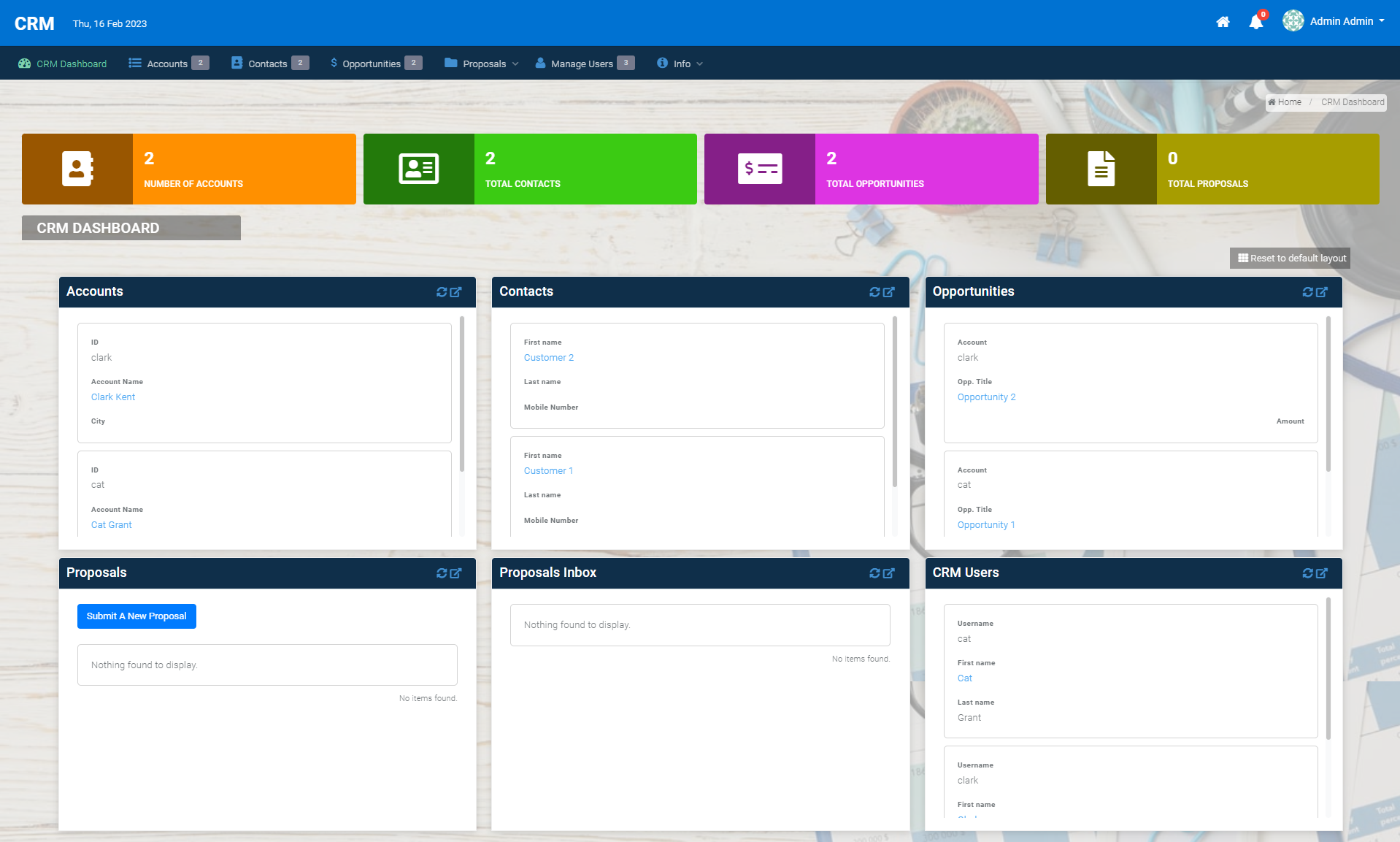
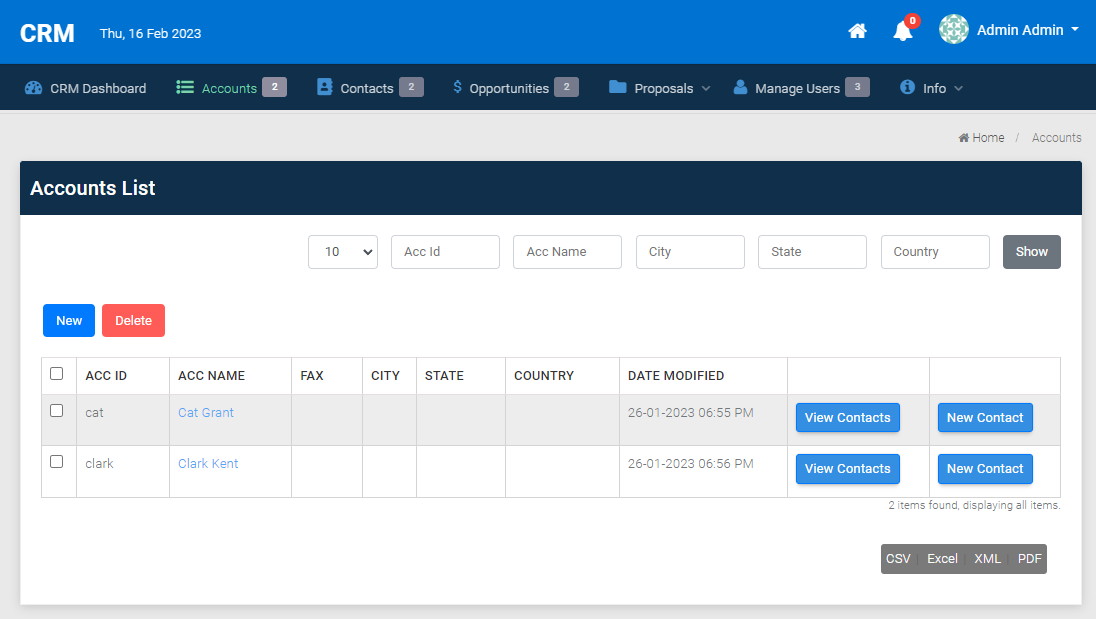
The HR Expenses Claim App demonstrates a process driven app. To see a different type of app in action, launch the Simple CRM in the App Center. This app is focused on data management, providing a no-frills approach to manage accounts, contacts, opportunities and cases.
License Error
The license of the app Translations for Confluence (formerly Language Macros) has expired. Please renew the license.
License Error
The license of the app Translations for Confluence (formerly Language Macros) has expired. Please renew the license.