| Widget Connector | ||||
|---|---|---|---|---|
|
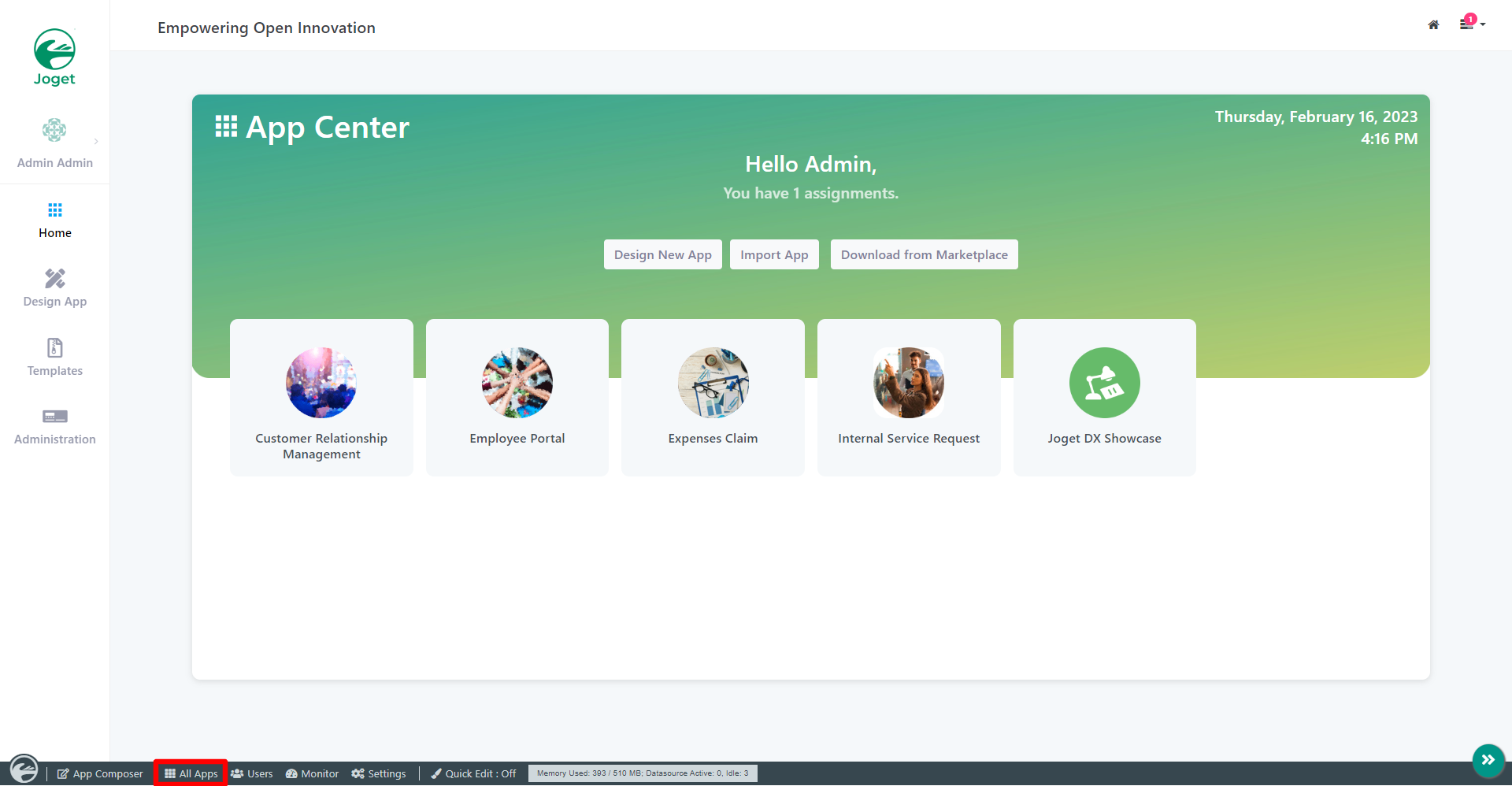
In the Admin BarApp Center, click on All Apps.
Thai ในแถบผู้ดูแลระบบคลิกที่ ใน App Center คลิกที่ All Apps.
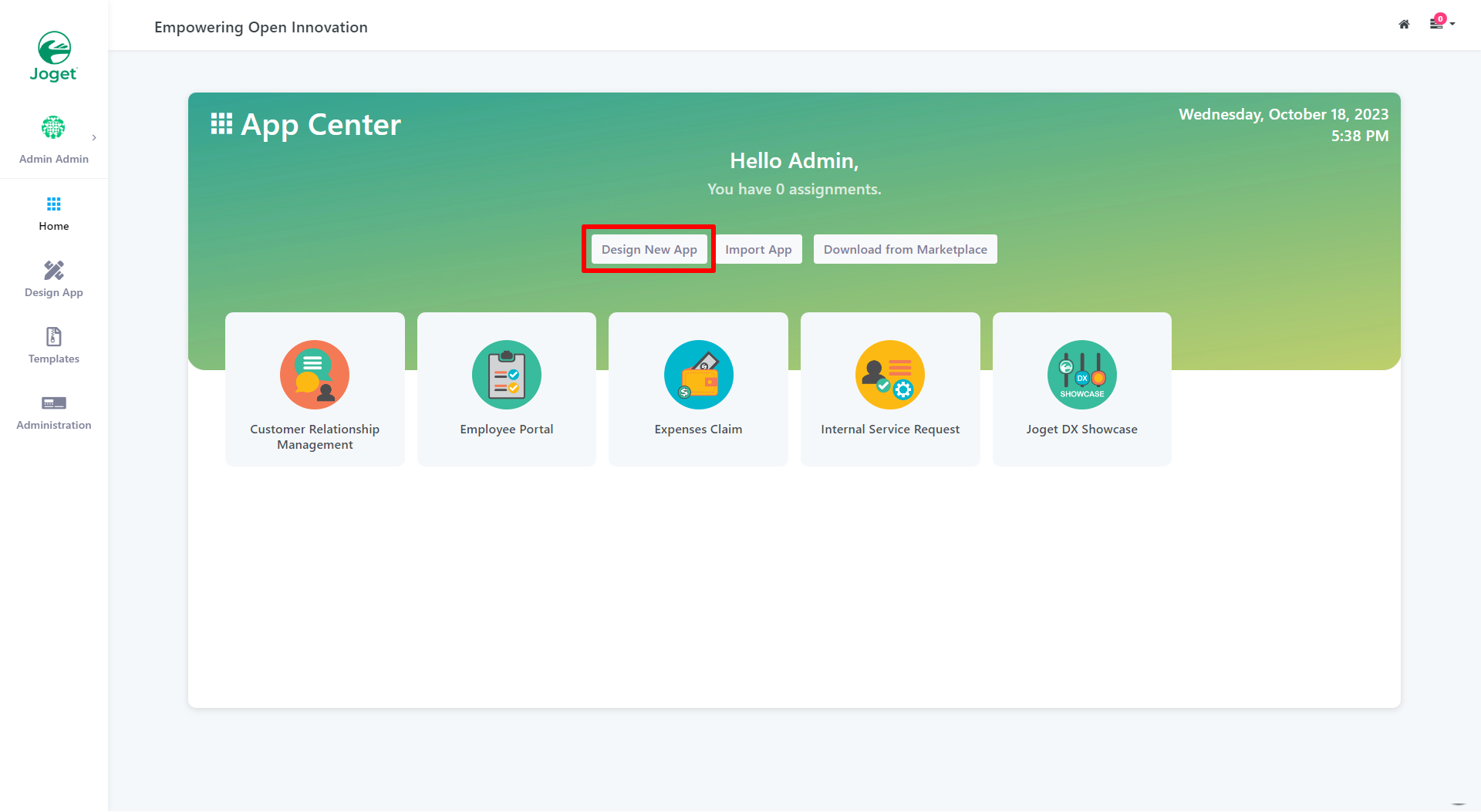
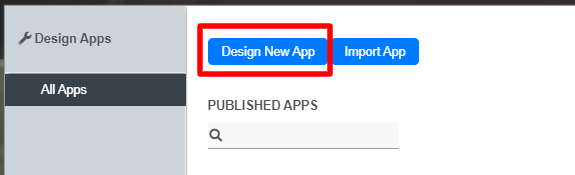
In the All Apps window Design App Page, click on the Design New App button along the topthe Create New App button.
Thai ในหน้าต่างแอปทั้งหมดคลิกที่ปุ่ม ในหน้า Design App Page, คลิกที่ปุ่ม Create New App
ที่ด้านบน.
Key in the details of the new app.
Thai ใส่รายละเอียดของแอปใหม่
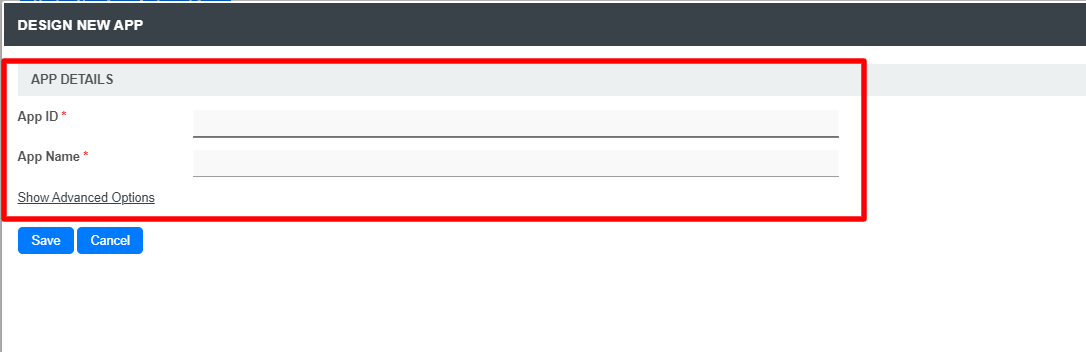
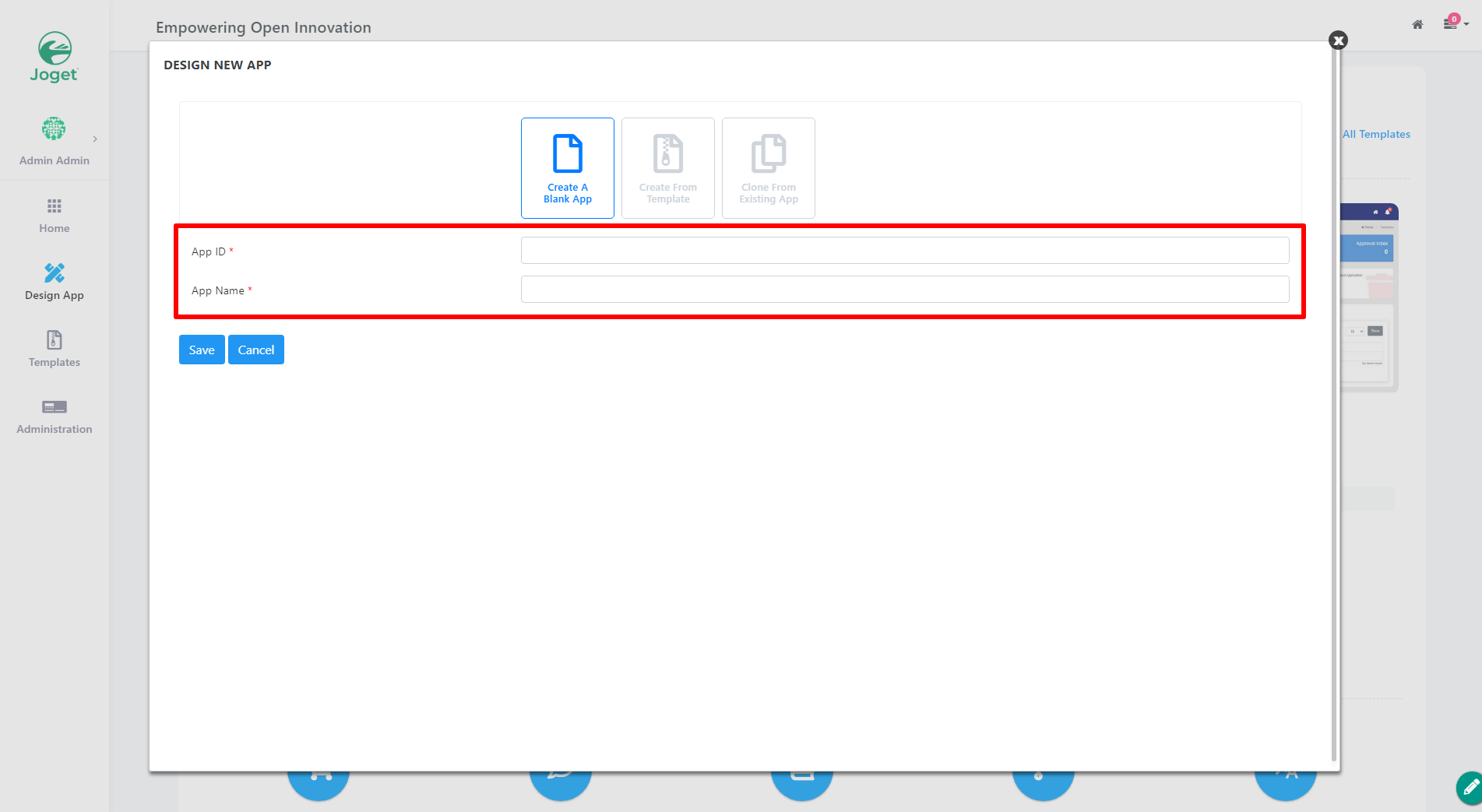
Name Description App ID A short and unique ID for each app (no spaces) e.g. travelRequest
Thai สร้าง ID ที่สั้นและไม่ซ้ำกันสำหรับแต่ละแอป (ไม่มีช่องว่าง) เช่น travelRequest
App Name A descriptive name e.g. Travel Request
Thai ควรเป็นชื่อที่สื่อความหมายเช่น Travel Request
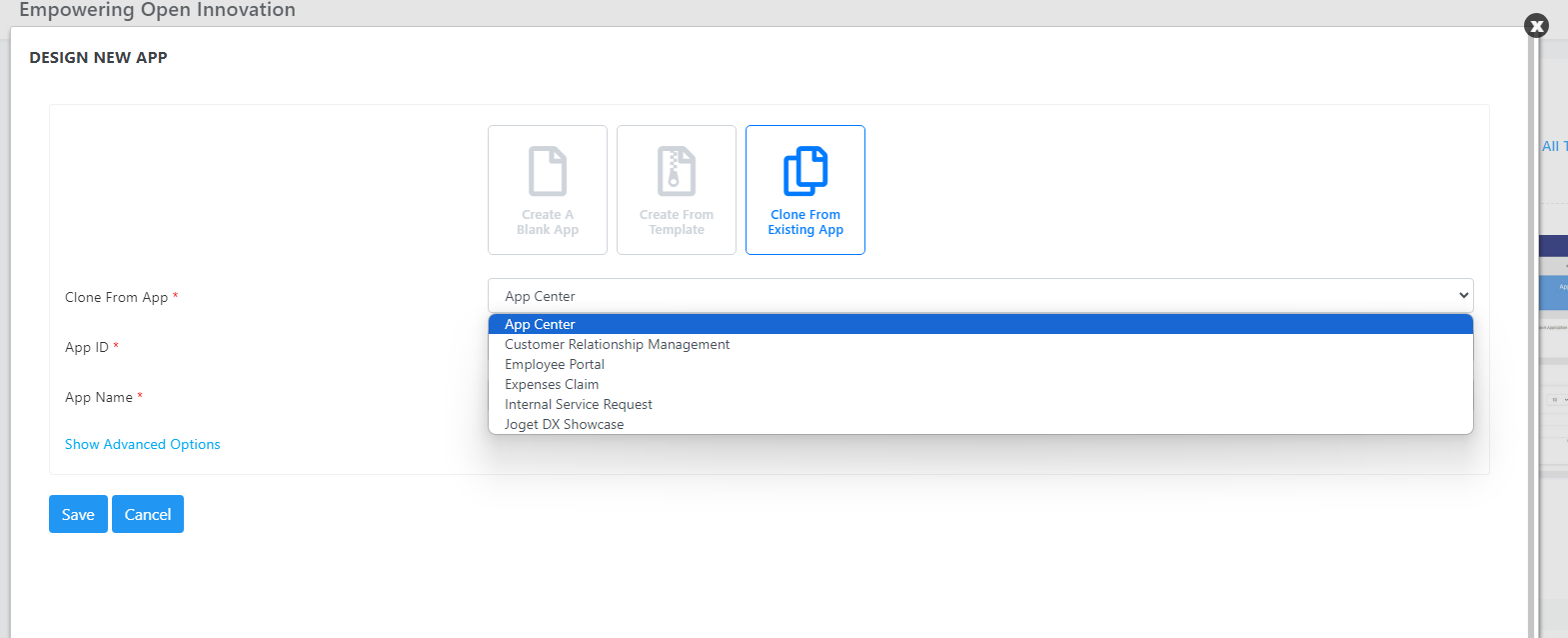
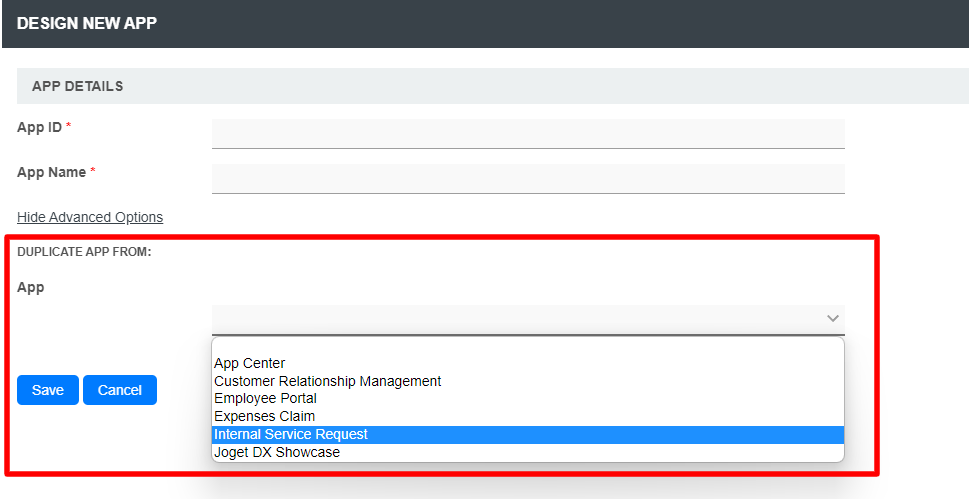
Info Optionally, one may also create a new App by using a template or cloning an from existing App.
- Create from template
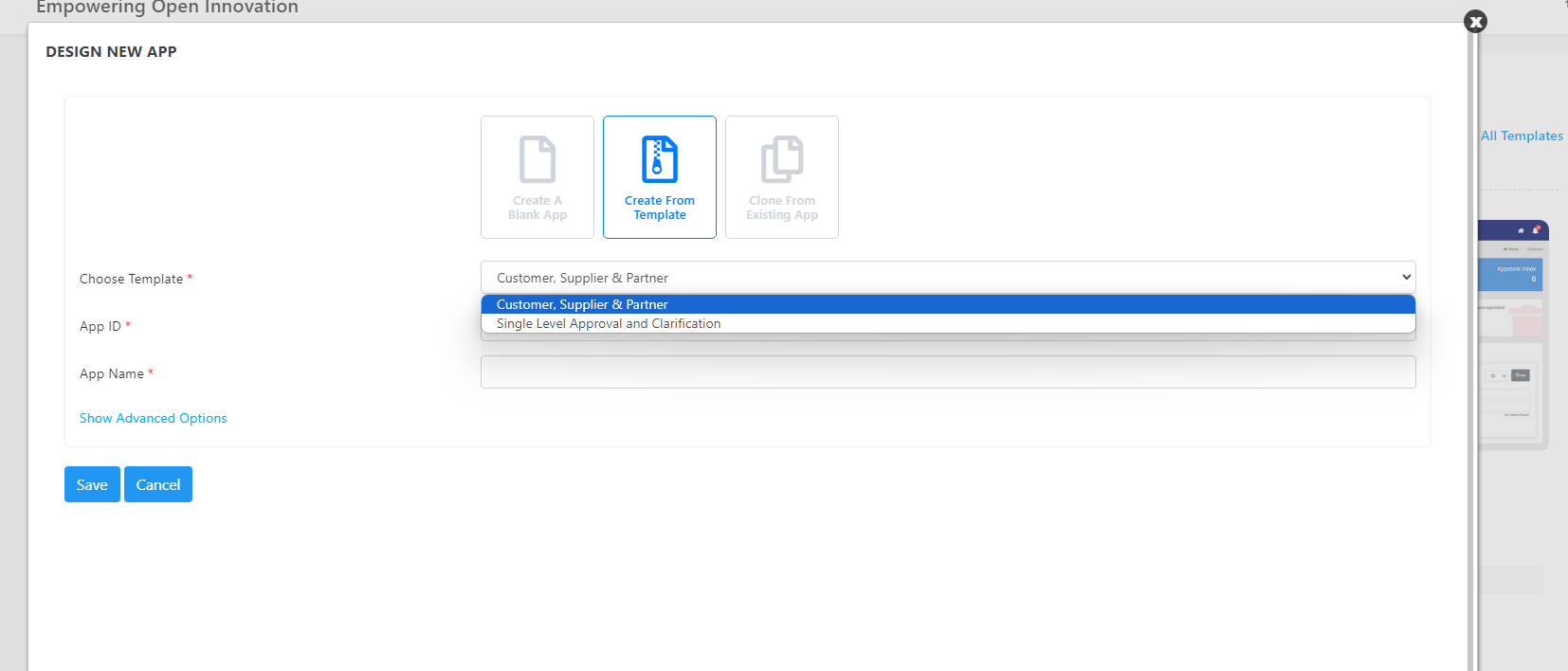
- Clone from existing app
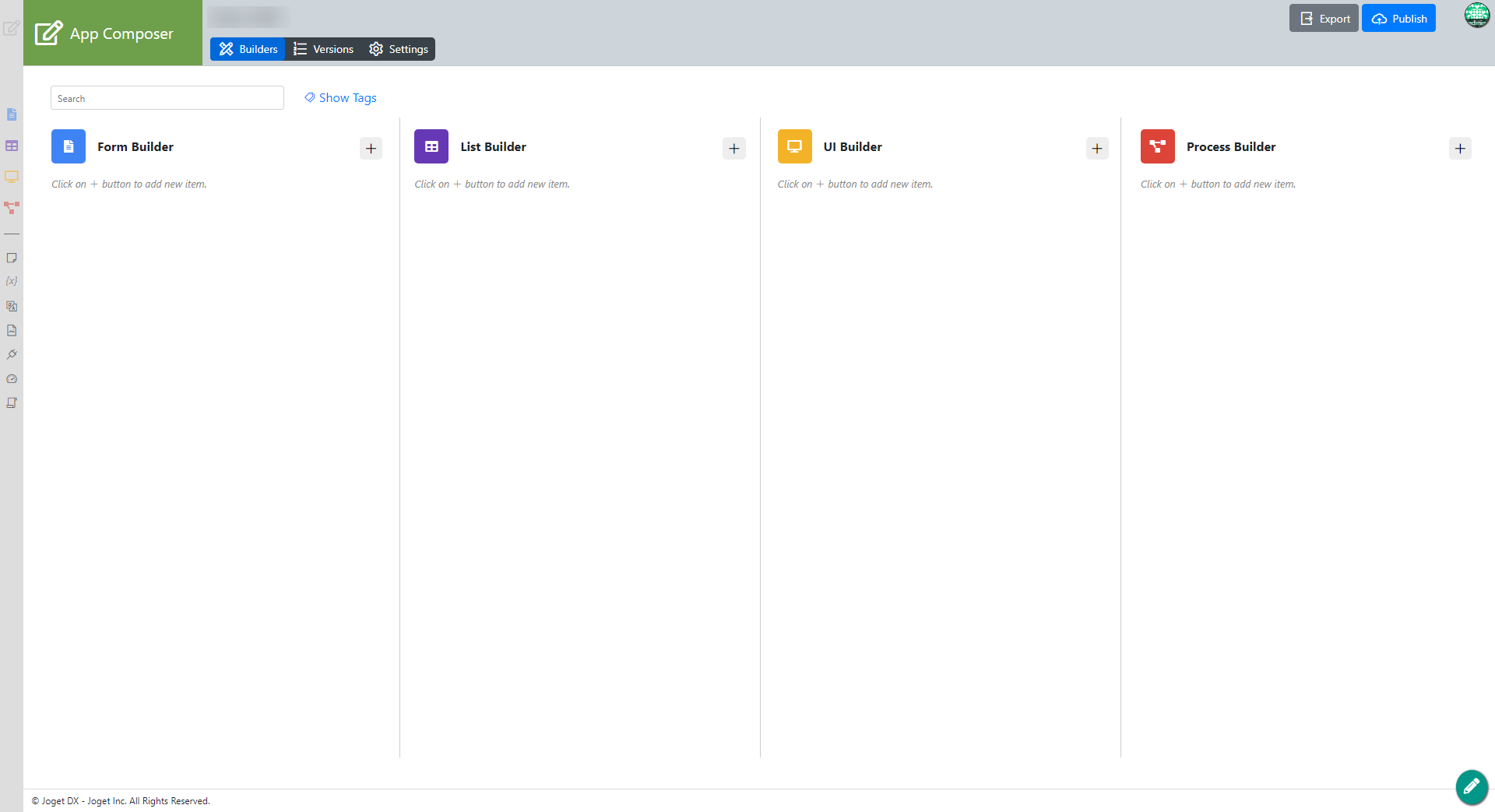
Click on Save. The app will be created and you will be brought prompted to the Design App app composer page.
Thai คลิกที่ คลิกที่ Save
แอปจะถูกสร้างขึ้นและคุณจะถูกนำไปที่หน้า Design App. แอปจะถูกสร้างและคุณจะได้รับคำพูดให้ไปยังหน้า App Composer.