| Table of Contents |
|---|
| Widget Connector | ||||
|---|---|---|---|---|
|
...
|
Step-by-Step Guide
English In the App Center, click on Design New App.
Thai
...
ใน App Center คลิกที่ All Apps.
...
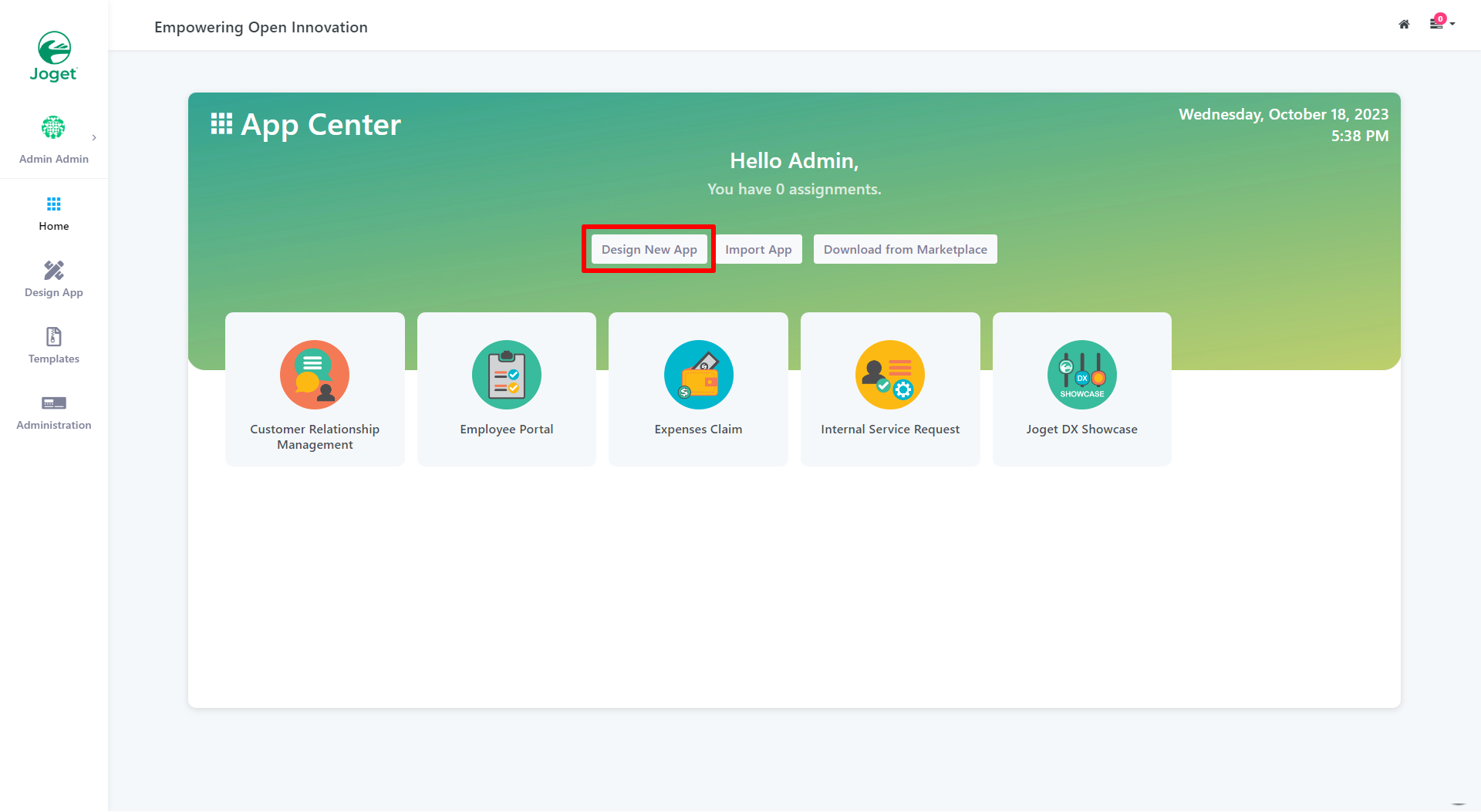
Figure 1: Design New App
In the
...
Design App Page, click on
...
the Create New App button.
Thai
...
ในหน้า Design App Page, คลิกที่ปุ่ม Create New App
...
.
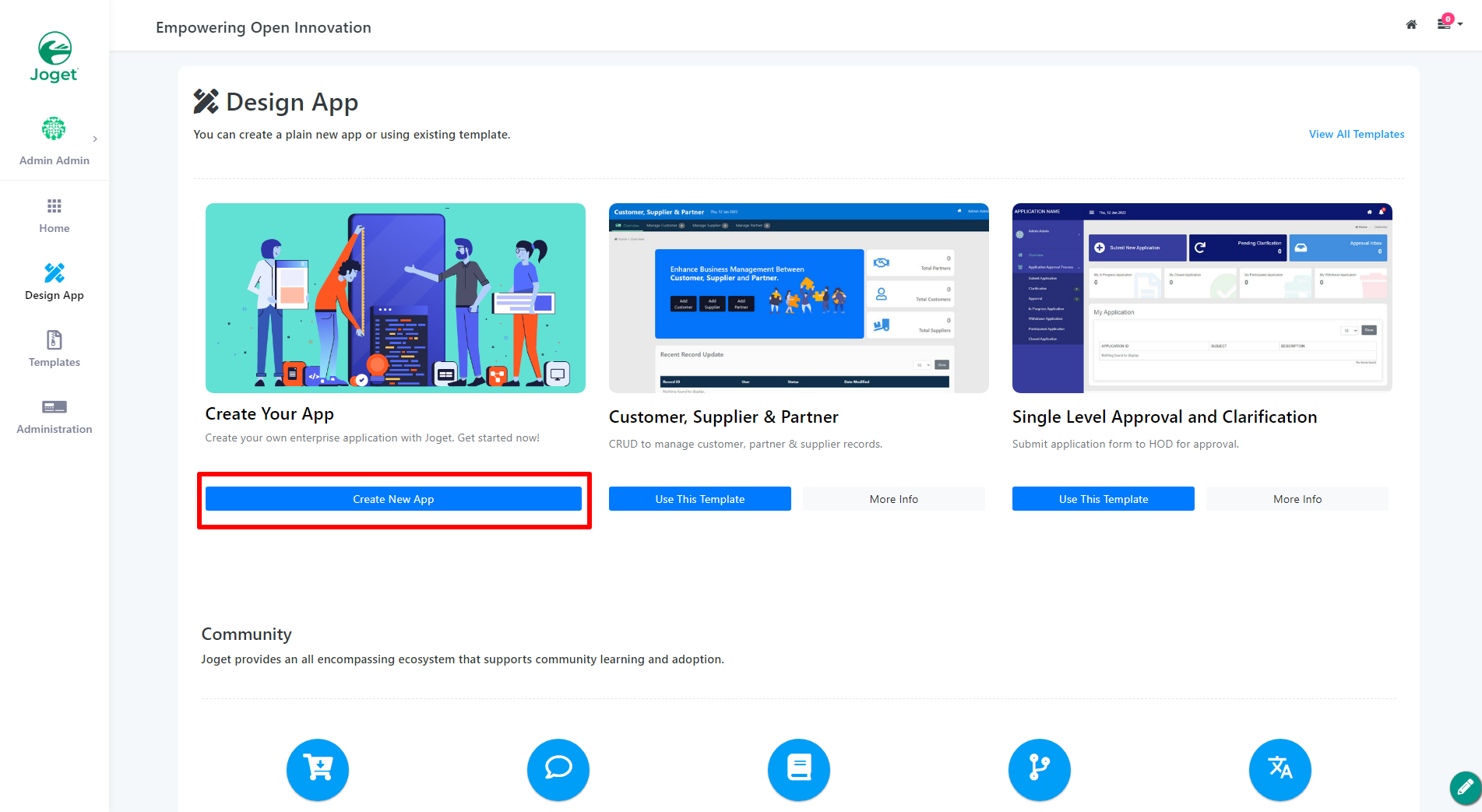
Figure 2: Create New App
Key in the details of the new app.
Thai ใส่รายละเอียดของแอปใหม่
...
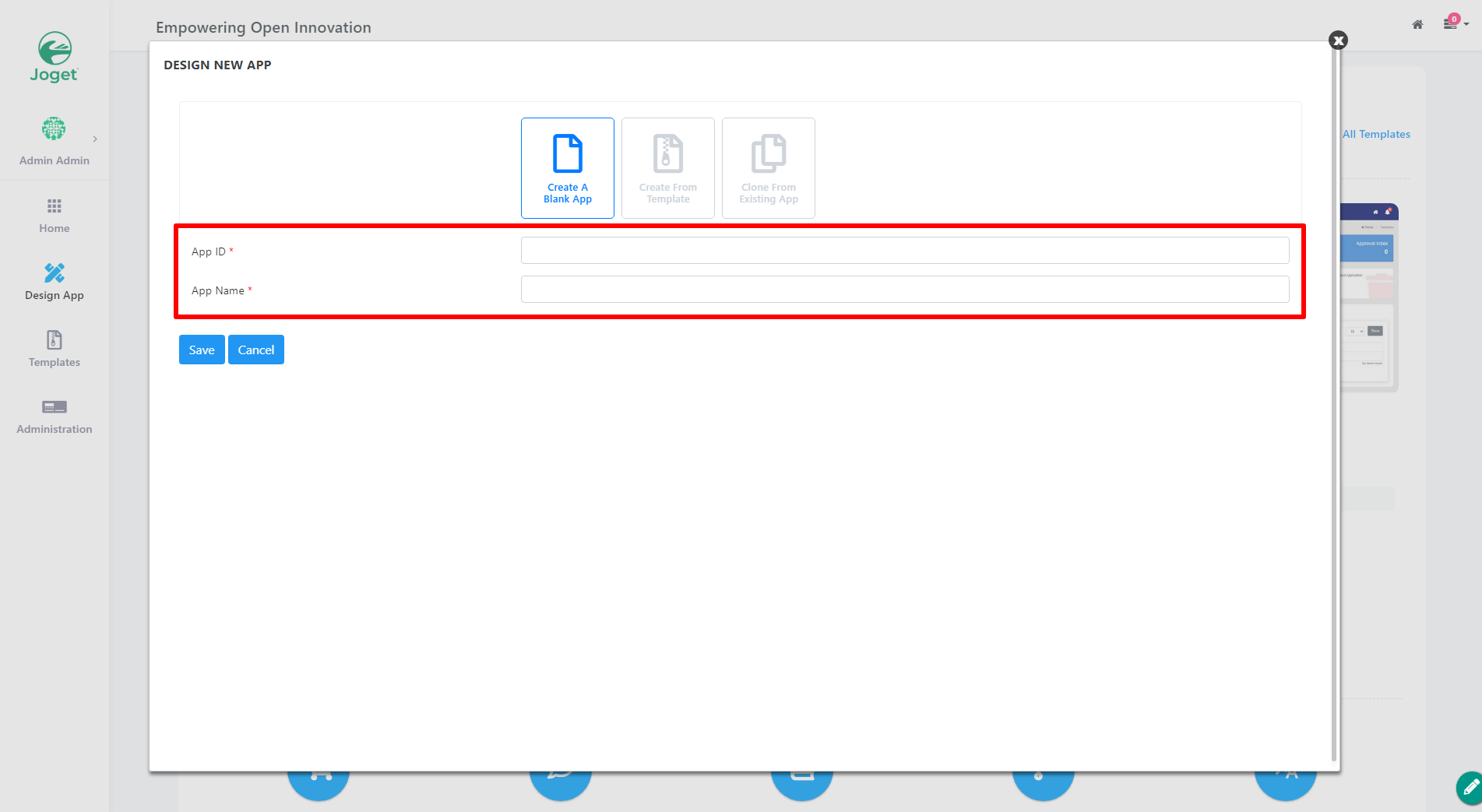
Figure 3: Enter App Details (Blank App)
| Name | Description | ||
|---|---|---|---|
| App ID | A short and unique ID for each app (no spaces) e.g. travelRequest
| ||
| App Name | A descriptive name e.g. Travel Request
|
...
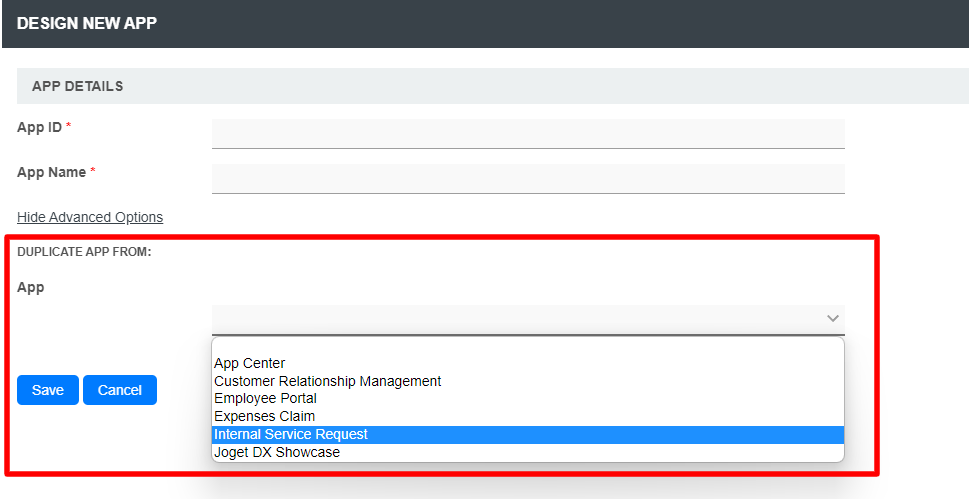
Click on Save. The app will be created and you will be
...
prompted to the
...
app composer page.
Thai
...
คลิกที่ Save. แอปจะถูกสร้างและคุณจะได้รับคำพูดให้ไปยังหน้า App Composer.
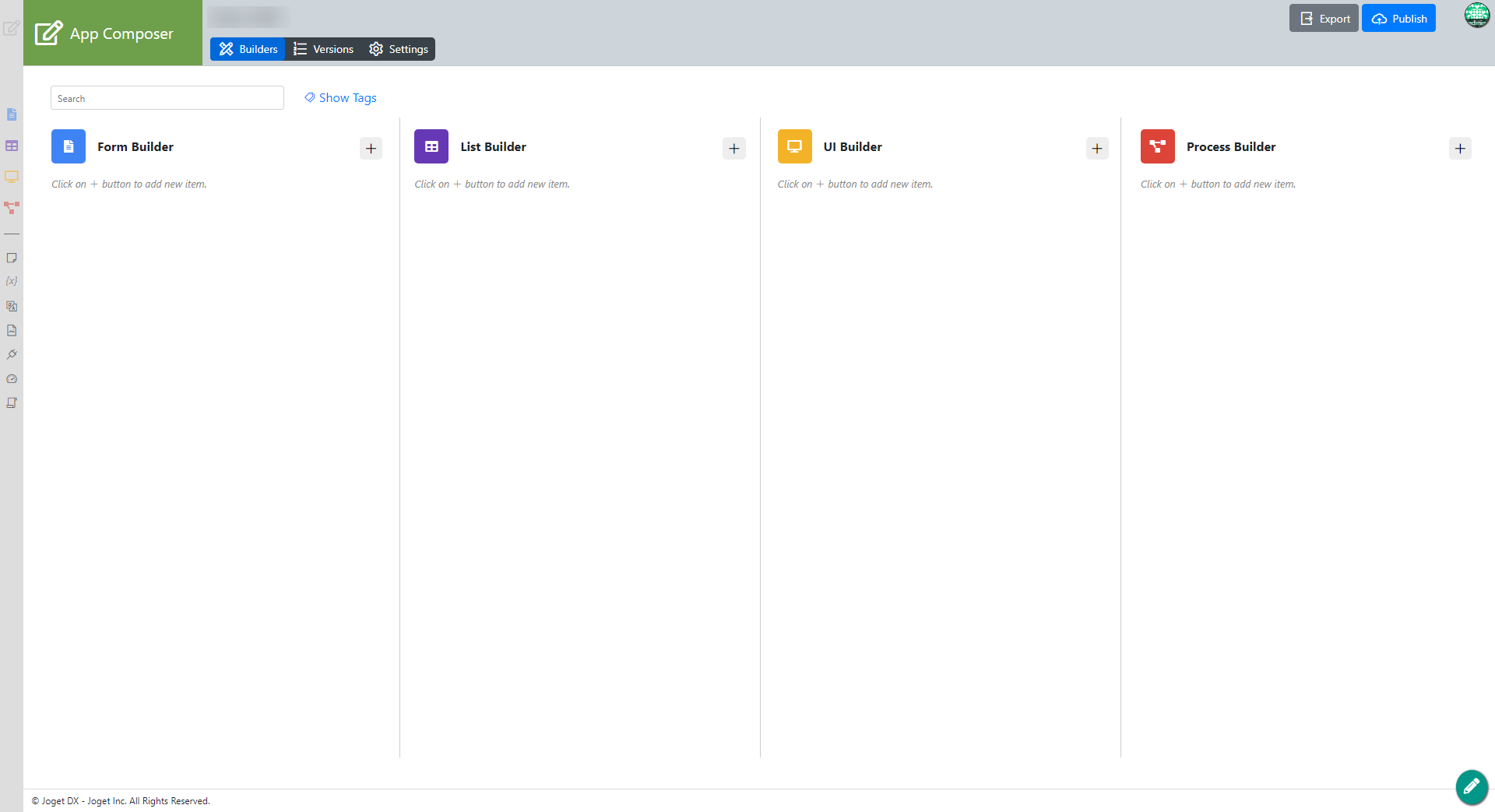
Figure 6: Save
...
App