
This article describes the steps required to deploy Joget on a Linux VM using the Compute Engine. You can also use other OS platforms (e.g. Windows, macOS, etc) by adapting the commands accordingly.
Google Cloud Platform now has an always-free tier that allows you to host servers without cost.
However, do note that the free tier is limited, and it is recommended to choose an appropriate machine type for your requirements.
Step 1: Signup for Google Cloud Platform
Signup for the Google Cloud Platform at https://console.cloud.google.com/freetrial
Step 2: Install the Cloud SDK
Install the Cloud SDK on your PC following the instructions in https://cloud.google.com/sdk/docs/quickstarts
Important Note
In the Quickstart, you must complete the section "Before you begin" and "Initialize the SDK". After which, you may see the following messages.
Not setting default zone/region (this feature makes it easier to use [gcloud compute] by setting an appropriate default value for the --zone and --region flag).
See https://cloud.google.com/compute/docs/gcloud-compute section on how to set default compute region and zone manually. If you would like [gcloud init] to be able to do this for you the next time you run it, make sure the Compute Engine API is enabled for your project on the https://console.developers.google.com/apis page.
You must also enable "Google Compute Engine API" at https://console.developers.google.com/apis for the project (created automatically for you if you have none) in order to continue with the next step.
Step 3: Create a new Linux VM
Once the Cloud SDK is installed and verified to be working, create a new Linux VM using the following commands:
On Linux
export INSTANCE_NAME=joget8
export IMAGE_ID=ubuntu-2204-jammy-v20240628
export IMAGE_PROJECT=ubuntu-os-cloud
export MACHINE_TYPE=n1-standard-1
export JOGET_VERSION=8.1.2
export MYSQL_VERSION=8.4
export MYSQL_PASSWORD=root

echo "== Create VM instance $INSTANCE_NAME for $IMAGE_ID on $MACHINE_TYPE =="
gcloud compute instances create $INSTANCE_NAME --image $IMAGE_ID --image-project $IMAGE_PROJECT --machine-type=$MACHINE_TYPE
On Windows
set INSTANCE_NAME=joget8
set IMAGE_ID=ubuntu-2204-jammy-v20240628
set IMAGE_PROJECT=ubuntu-os-cloud
set MACHINE_TYPE=n1-standard-1
set JOGET_VERSION=8.1.2
set MYSQL_VERSION=8.4
set MYSQL_PASSWORD=root

echo "== Create VM instance %INSTANCE_NAME% for %IMAGE_ID% on %MACHINE_TYPE% =="
gcloud compute instances create %INSTANCE_NAME% --image %IMAGE_ID% --image-project %IMAGE_PROJECT% --machine-type=%MACHINE_TYPE%
If you are using a low-memory machine type (e.g. f1-micro), then you will need to add swap space:
On Linux
echo "== Add swap file (required for low memory machine types eg f1-micro) =="
gcloud compute ssh $INSTANCE_NAME -- "\
sudo fallocate -l 1G /swapfile;\
sudo chmod 600 /swapfile;\
sudo mkswap /swapfile;\
sudo swapon /swapfile;\
sudo swapon -s"
On Windows
echo "== Add swap file (required for low memory machine types eg f1-micro) =="
gcloud compute ssh %INSTANCE_NAME% --command="sudo fallocate -l 1G /swapfile; sudo chmod 600 /swapfile; sudo mkswap /swapfile; sudo swapon /swapfile; sudo swapon -s;"
Step 4: Deploy Joget in the VM
Run the following commands to download and install Joget Enterprise Edition:
On Linux
echo "== Deploy Joget =="
gcloud compute ssh $INSTANCE_NAME -- "\
    echo === Install Java ===;\
    sudo apt-get update;\
    sudo apt-get install -y openjdk-11-jdk-headless;\
    echo === Install MySQL ===;\
    sudo debconf-set-selections <<< \"mysql-server-$MYSQL_VERSION mysql-server/root_password password $MYSQL_PASSWORD\";\
    sudo debconf-set-selections <<< \"mysql-server-$MYSQL_VERSION mysql-server/root_password_again password $MYSQL_PASSWORD\";\
    sudo apt-get -y install mysql-server-$MYSQL_VERSION;\
    sudo -E apt-get -q -y install mysql-server;\
    echo === Download Joget $JOGET_VERSION ===;\
    cd ~;\
    wget https://download.joget.org/enterprise/joget-enterprise-linux-$JOGET_VERSION.tar.gz;\
    echo === Extract Bundle ===;\
    tar xvfz joget-enterprise-linux-$JOGET_VERSION.tar.gz;\
    cd joget-enterprise-linux-$JOGET_VERSION;\
    echo === Setup Datasource ===;\
    apache-ant-1.7.1/bin/ant setup -Dprofile.name=default -Ddb.name=jwdb -Ddb.host=localhost -Ddb.port=3306 -Ddb.user=root -Ddb.password=$MYSQL_PASSWORD;\
    echo === Reduce JAVA VM Memory Allocation ===;\
    sed -i -e 's/768/256/g' tomcat.sh;\
    echo === Clean Bundle ===;\
    cd ..;\
    rm -r joget-enterprise-linux-$JOGET_VERSION.tar.gz;\
    echo === Start Joget $JOGET_VERSION ===;\
    cd joget-enterprise-linux-$JOGET_VERSION;\
    ./tomcat.sh start"
On Windows
echo "== Deploy Joget =="
gcloud compute ssh %INSTANCE_NAME% --command="echo === Install Java ===;sudo apt-get install -y openjdk-11-jdk-headless;    echo === Install MySQL ===;    sudo debconf-set-selections ^<^<^< \"mysql-server-%MYSQL_VERSION% mysql-server/root_password password %MYSQL_PASSWORD%\";    sudo debconf-set-selections ^<^<^< \"mysql-server-%MYSQL_VERSION% mysql-server/root_password_again password %MYSQL_PASSWORD%\";    sudo apt-get -y install mysql-server-%MYSQL_VERSION%;    sudo -E apt-get -q -y install mysql-server;    echo === Download Joget %JOGET_VERSION% ===;    cd ~;    wget https://dev.joget.org/downloads/enterprise/joget-enterprise-linux-%JOGET_VERSION%.tar.gz;    echo === Extract Bundle ===;    tar xvfz joget-enterprise-linux-%JOGET_VERSION%.tar.gz;    cd joget-enterprise-linux-%JOGET_VERSION%;    echo === Setup Datasource ===;    apache-ant-1.7.1/bin/ant setup -Dprofile.name=default -Ddb.name=jwdb -Ddb.host=localhost -Ddb.port=3306 -Ddb.user=root -Ddb.password=%MYSQL_PASSWORD%;    echo === Reduce JAVA VM Memory Allocation ===;    sed -i -e 's/768/256/g' tomcat.sh;    echo === Clean Bundle ===;    cd ..;    rm -r joget-enterprise-linux-%JOGET_VERSION%.tar.gz;    echo === Start Joget %JOGET_VERSION% ===;    cd joget-enterprise-linux-%JOGET_VERSION%;    ./tomcat.sh start"
Deployment may take several minutes (depending on the type of VM) so be patient.
Monitor the logs using:
On Linux
echo "== Tail Logs =="
gcloud compute ssh $INSTANCE_NAME -- "tail -f ~/joget-enterprise-linux-*/apache-tomcat-*/logs/catalina.out"
On Windows
echo "== Tail Logs =="
gcloud compute ssh %INSTANCE_NAME% --command="tail -f ~/joget-enterprise-linux-*/apache-tomcat-*/logs/catalina.out"
The deployment is complete once you see the following in the logs:
12-Mar-2020 07:24:02.199 INFO [main] org.apache.catalina.startup.Catalina.start Server startup in XXXXX ms
Press CTRL-C to stop viewing the logs.
Step 5: Add Firewall Rule for Default Apache Tomcat Port 8080
The default installation bundle runs on Apache Tomcat port 8080. Add a firewall rule to allow traffic to access the default Apache Tomcat port 8080:
echo "== Add firewall rule for port 8080 =="
gcloud compute firewall-rules create tomcat-8080 --description "Incoming http 8080 allowed." --allow tcp:8080 --format json
More information available at https://cloud.google.com/compute/docs/networking#addingafirewall
Step 6: Access Joget installation
Check the external IP of the VM instance by running the command:
echo "== Display instance and external IP =="
gcloud compute instances list
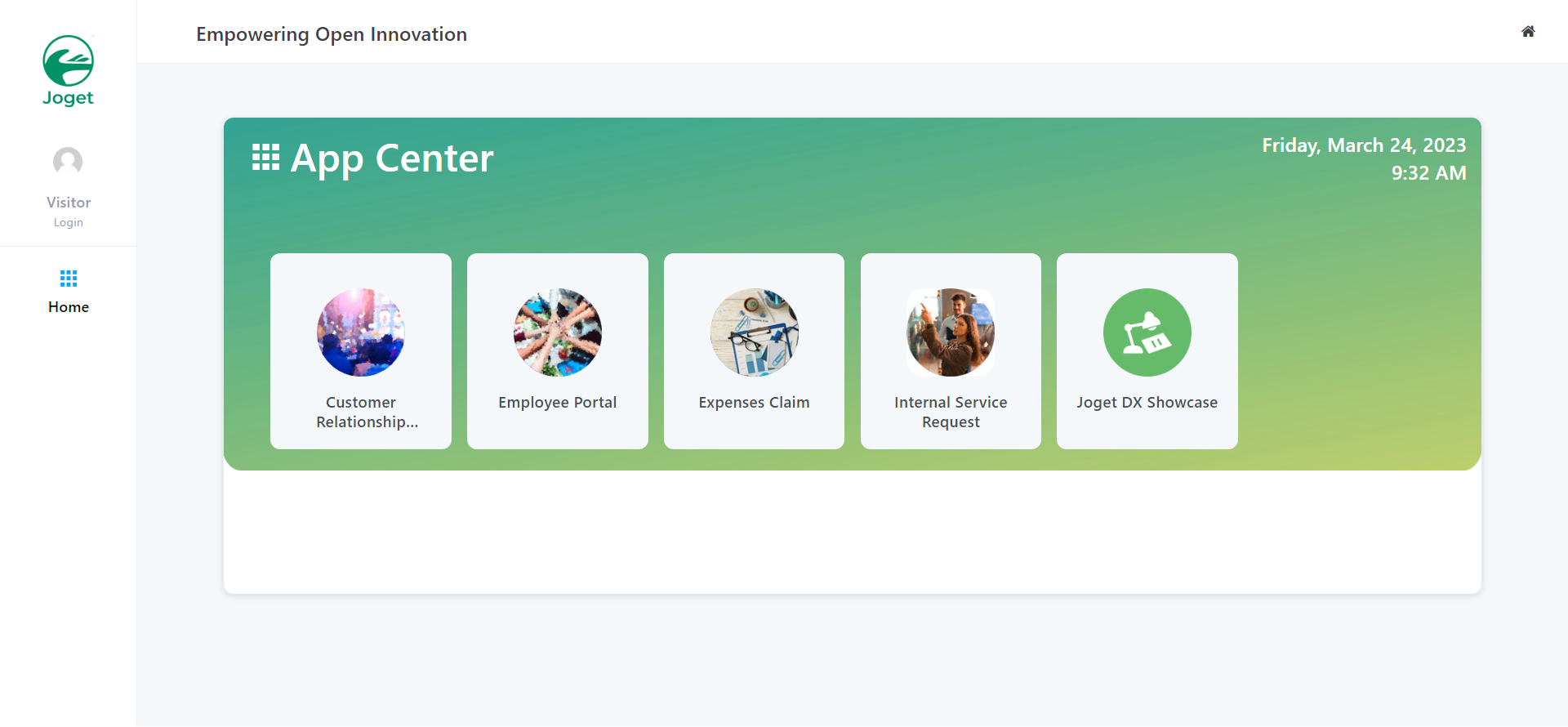
Browse to your Joget installation at http://VM_EXTERNAL_IP:8080/jw, and get started with Apps and the App Center.